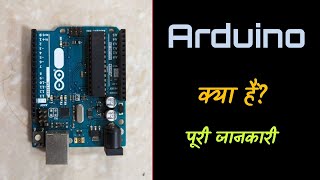
What Is Arduino? A Beginner’s Guide to This Powerful Microcontroller
Ever thought about making a robot, a clever light, or something that runs on its own? Chances are, if you have, Arduino came up. People just starting out - and those who’ve been at it awhile - often reach for it when diving into circuits and code.
Here comes the real question: What does Arduino actually mean? Time to unpack it, step by step, without any fuss.
What Is Arduino?
Something called Arduino works as a flexible system for building gadgets using code plus real parts. Built around simple tools, it helps people make things that respond to touch, movement, or light. A mix of readable software and plug-in circuits lets ideas come alive without complex steps. Instead of rigid rules, it uses approachable design so beginners can start fast. Code talks to pieces like buttons, displays, or spinning parts through one small board. Projects wake up when programs run on hardware meant for testing and tinkering. This setup links digital logic with wires, chips, and blinking bits in your hands.
A tiny brain lives inside Arduino - this little gadget runs code to manage electronics. Sometimes it switches lights on, sometimes it reads sensors; its job changes by what you teach it. Think of it like a starter kit for tinkering with circuits using smart logic.
Starting off, many people pick the Arduino Uno since it's made for those just getting started. Availability helps too - it shows up almost everywhere you look.
Main Components of an Arduino Board
An Arduino Board Includes
Running the show on the board, a microcontroller acts like its thinking center. It handles whatever task the code tells it to do.
Pins come in digital and analog types - hooking up parts like sensors or lights happens through these. Motors link here too, depending on what signal type they need. Some gadgets respond only to steady on-off signals, others want smooth changing levels. Each pin serves a role based on how it handles electrical flow. Connecting things wrong might cause glitches, so matching part to pin matters.
Hooked up to your machine, the USB port handles code uploads. From there, it talks straight to the computer. This link lets you send fresh instructions anytime. Power and data flow through that small slot. It wakes the board when linked. Every program starts right here.
A steady flow of electricity reaches the board and its linked components through the power supply. What keeps everything running begins here, feeding voltage where needed across circuits. Without this source, activity stops - no signals move, nothing activates. Energy moves in, making function possible inside each part it touches.
Understanding Arduino Functionality?
First up, connect your components on a breadboard. Then comes uploading code through the USB cable. Finally, watch everything spring to life automatically
1. Input
Few wires link up switches or detectors to the device, sending pulses when triggered. Signals travel into the circuit after contact happens.
2. Processing
A sketch is what you call the code written in Arduino's software. When the tiny computer inside gets data, it works through each step. It follows every instruction just as typed.
3. Output
From time to time, Arduino pushes signals out - lights, sound makers, moving parts respond. A set routine decides when each one turns on or off. This happens step by step, following clear lines of code.
A good instance is setting it up to switch on a light whenever movement shows up through the sensor. It responds right away without needing someone there. The system acts once motion triggers the signal. Light follows detection like clockwork every single time.
Arduino popularity reasons?
Arduino is popular because:
It is beginner-friendly.
It is affordable.
A big crowd gathers there on the internet.
Working across robotics, while also diving into automation, it powers a range of IoT efforts too.
Built around a microcontroller, Arduino helps people dive into coding and circuits by doing. Learning happens through trying things out - tinkering, testing, seeing what works. From classrooms to garages, it's a tool that invites curiosity without needing prior expertise.
Arduino Use Cases?
Arduino is used in:
Robotics projects
Smart home systems
Weather stations
Automated watering systems
Educational experiments
Frequently, beginners start here when diving into electronics and embedded tech. However, some jump straight in without knowing where to begin. Most find their footing after tinkering a bit on their own. Usually, curiosity leads them through trial rather than strict lessons. Often, hands-on experiments reveal more than textbooks ever do.
Conclusion
A single spark of curiosity can grow when tools like Arduino come into play. What happens next often surprises even the person holding the circuit board. With lines of code meeting wires and sensors, something alive begins to take shape. Not magic - just logic shaped by hands learning as they go. Building what once seemed out of reach becomes possible one small step at a time. Ideas stop living only in notebooks and start blinking on workbenches instead. No need for factories or degrees; just patience and a willingness to try again after silence. Even mistakes carry signals worth listening to. When software clicks with switches and lights, imagination finds its voice through circuits. The hum of progress lives inside each completed connection.
Finding your way into electronics? Arduino opens doors, no matter if school keeps you busy, tinkering relaxes you, or building things drives your goals. A single board can spark curiosity just as easily as it teaches circuits.
Lights come on, machines run, life moves - all because of electric current flowing through wires. Some know sunlight makes power, others trust windy days to spin turbines; yet reactors do their work without either. Deep inside one of these facilities, atoms split apart, releasing what becomes heat, then steam, finally electricity. Tiny pellets hold immense potential, far beyond what coal or gas offer per pound. One facility hums quietly while delivering steady output, hour after hour.
What really happens inside a nuclear power plant? Here's an explanation that skips the confusion. Instead of complex terms, think step by step. One piece at a time, it becomes clearer. Through splitting atoms, heat shows up. That warmth moves into water. Steam forms when water heats enough. The steam pushes through pipes. It spins turbines just like wind turns blades. Wires inside start making electricity. From there, power travels far. Homes, schools, machines begin using it. All of this begins with tiny particles breaking apart.
Understanding Nuclear Power Plants?
A power station running on atomic energy makes electricity by tapping into forces locked inside tiny particles. Instead of setting fossil fuels on fire like traditional stations do, it pulls power from the core of matter itself.
Heat in most nuclear power stations comes from splitting atoms apart.
Understanding nuclear fission basics?
Splitting begins inside atoms that carry lots of weight - uranium is one example. That moment arrives when the core breaks apart into tinier pieces. A shift unfolds once the breakup takes place. Pieces fly off as energy releases without warning. The process kicks off only under certain conditions. Heavy nuclei respond by dividing when struck just right
Heat pours out in great quantity.
Neutrons are produced.
Cascading events unfold, keeping the motion alive through each step.
Fueled by warmth, water turns into vapor when it boils. Steam rises once the liquid reaches its boiling point.
Main Components of a Nuclear Power Plant
A nuclear power plant has several key components:
1. Reactor
Fuel splits apart deep within the machine. That core drives everything else nearby. Sliding metal bars manage how fast reactions grow, holding danger back.
2. Steam Generator
Steam rises when the reactor's warmth hits the water.
3. Turbine
A turbine turns when steam pushes it, that movement powers a generator.
4. Generator
Spinning the turbine sets motion that feeds into the generator, transforming it into electricity. Mechanical movement becomes electric power through this shift inside the machine.
5. Cooling System
Fresh again when cooling turns vapor down, once spun past blades it flows ready next round.
Nuclear Power Benefits
Produces large amounts of electricity
Low greenhouse gas emissions
Reliable energy supply
Small amount of fuel needed
Fossil fuel reliance drops when nuclear energy steps in, offering a steadier power supply. Energy stability grows because of its consistent output across seasons.
Challenges and Safety Concerns
While nuclear power is efficient, it also has challenges:
Radioactive waste management
High construction costs
Risk of accidents
Today’s reactors come built with layers of backup measures meant to stop mishaps, while keeping nature safe. What you find inside these facilities is a web of fail-safes working quietly behind the scenes. Safety isn’t just one feature - it shows up in repeated checks, constant monitoring, because risks must stay low. Layers matter here since no single fix can handle every odd situation. Each added piece chips away at danger simply by being ready when needed.
Conclusion
Heat from splitting atoms drives steam through turbines at a nuclear plant, making electricity. This method packs a strong output while needing less fuel than many alternatives. Around the world, it supplies a steady share of power to homes and industries.
Fuel from atoms can light cities, yet demands careful handling to avoid harm. It works well when managed with caution. Power built on science needs people who respect its strength.
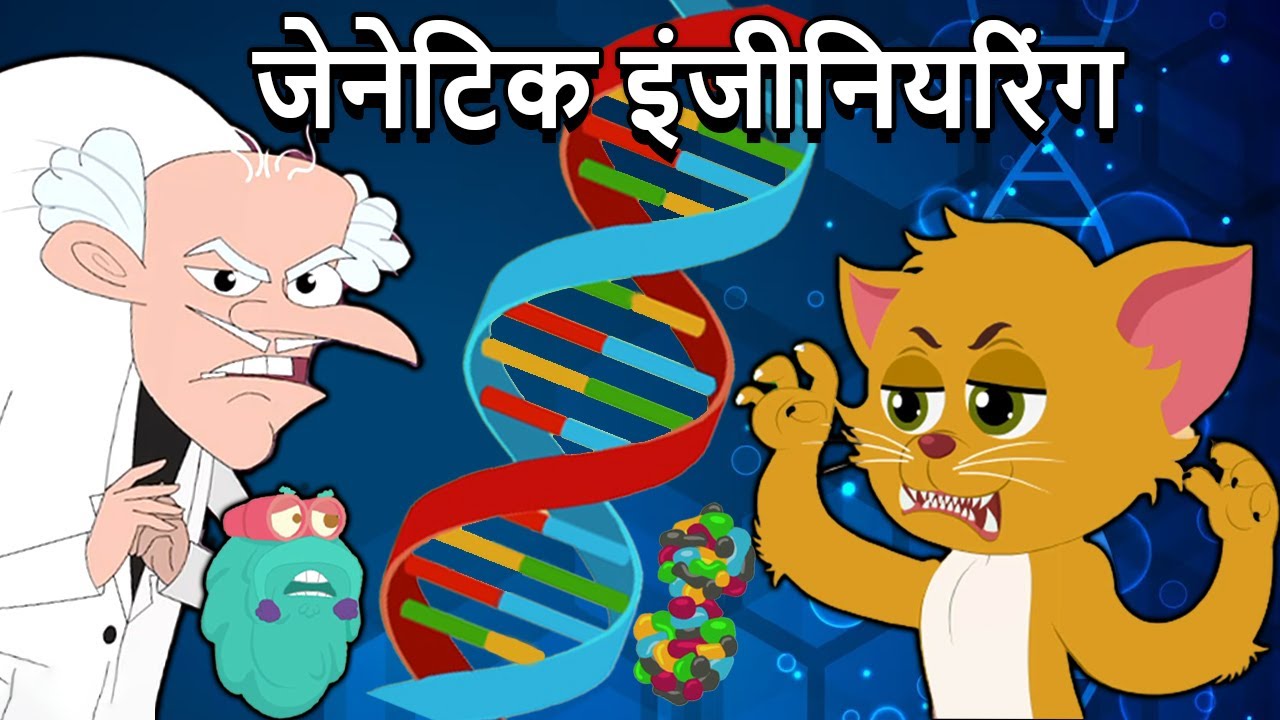
Imagine fixing illnesses while a child is still growing inside their mother. Picture plants that survive bugs and mature quicker than usual. Such changes now happen thanks to work with genes. Tweaking the code life runs on lets scientists adjust how creatures develop and function.
Medicine, farming, and biology are shifting because of genetic tweaks. So - what sits behind those changes? A closer look helps.
Genetic Engineering Explained Simply?
What if you could tweak life at its core? That’s what happens when scientists adjust the genetic code inside cells. Instructions tucked into DNA shape everything about an organism - how it develops, operates, behaves. Change those blueprints slightly, then watch traits shift in response. Life bends without breaking, guided by tiny molecular edits. Appearance, function, growth - all hang on sequences written in double helices. Tweaking one section can ripple through an entire existence. Not magic, just precision work with nature's own script.
Genes changed one at a time let researchers slip in fresh features - sometimes even snip out troublesome ones altogether. A single switch here, an edit there shapes what shows up later down the line.
A big chunk of today’s biotech work happens right here.
Genetic Engineering Explained Simply?
Genetic engineering involves several steps:
A single trait guides researchers toward its genetic source. That link becomes clear through careful study of inherited patterns. One particular sequence stands out as the cause. This piece gets chosen for further work. Focus shifts to isolating what carries it.
Out of the starting creature, scientists pull a single gene. This piece gets separated carefully, away from the rest.
A tiny piece of genetic material slips into the life code of a different creature. This addition becomes part of its blueprint, quietly settling within.
A single change gets checked by watching how it behaves in tests. That step comes before any wider use, just to see if things go right. Watching happens under controlled setups where results can be recorded clearly. Each result tells whether the new feature does what it should. Only after close review will further steps even get considered.
A tool now widely used in genetic work, CRISPR makes it possible to alter DNA at exact spots. While many methods exist, this one stands out due to its accuracy. Instead of broad adjustments, it focuses on specific sequences. Because of that precision, scientists rely on it more often than older techniques. Though complex in function, the idea behind it is straightforward - target, cut, repair.
Genetic Engineering Uses
1. Medicine
Medicine made through genetic tweaks includes things like insulin, along with certain vaccines. Research continues into fixing faulty genes, aiming to tackle inherited conditions at their root.
2. Agriculture
Pests bounce off some crops that scientists have tweaked in the lab. When dry times hit, these plants keep growing where others would quit. Bigger harvests pop up more often from such seeds. Empty plates become less common because of it.
3. Research
Out of labs come modified life forms, built by researchers to track illness patterns while shaping future medicines.
Benefits and Concerns
Benefits
Improved medical treatments
Increased crop production
Better disease resistance
Scientific advancement
Concerns
Ethical questions
Environmental risks
Long-term health effects
Fears around safety mean tight rules control gene tweaks across numerous nations.
Genetic Engineering and Its Importance
Fixing genes might one day help feed more people while stopping inherited illnesses. Still, doing so needs careful thought about right and wrong.
Conclusion
One way scientists change living things involves tweaking their genes to help people live better. Though some worry about risks, fixing genetic problems can heal illnesses once thought impossible. Growing stronger plants happens too when researchers adjust what's inside seeds. This kind of work shapes much of today's medical progress without making grand promises.
One step at a time, studies push forward - genetic tweaks could open doors once thought unreachable. Down the line, fixes in DNA might quietly reshape how we grow food or treat illness.
Strange how life turned out so varied, right? Neck length in giraffes - curious thing - makes more sense when you look back deep in time. People changing slowly across ages fits into a bigger picture too. That idea connecting it all goes by one name: evolution.
Life forms shift across generations - evolution lays out how. New kinds emerge through these slow shifts, shaped by natural forces. This idea stands central in biology, giving clarity to life’s long journey here. Understanding where we came from ties back to this core concept.
Understanding How Species Change Over Time Through Natural Processes?
Life forms shift little by little through time, shaped by differences in features handed down from one generation to the next. Offspring inherit subtle shifts in characteristics, nudging species slowly forward across ages.
Given enough years, tiny shifts might result in entirely different kinds of life. One step at a time, adjustments pile up until something unfamiliar emerges. Slowly, what once was familiar fades into something else. Bit by bit, differences grow strong enough to create separation. After ages pass, the outcome stands apart as its own form. Time stretches far, yet each moment adds just a sliver toward change.
Footprints of today's evolutionary science first appeared through Charles Darwin during the 1800s.
Natural Selection Shapes Life Over Time
Few ideas shape evolution like nature's own pickiness does.
Survival often favors creatures whose features fit well with where they live. Because of this, those individuals tend to have offspring more successfully. Over time, the useful characteristics show up more often in newborns. Generation after generation carries what worked before.
For example:
Predators often miss those who blend in well. Hiding through color helps some survive longer. Nature favors the ones whose look matches their surroundings closely.
Cacti endure desert heat by storing water. Their spines reduce moisture loss under blazing suns. Roots spread wide to catch rare raindrops fast. Some grow thick stems instead of leaves. These adapt quickly when drought hits again.
Later on, such benefits spread through the group bit by bit.
Evidence Supporting Evolution
Scientists support the theory of evolution with strong evidence, including:
1. Fossils
From old bones, we see what creatures once were, also how life shifted across ages. Fossils reveal shapes of long-gone beings while tracing slow transformations through deep time.
2. Comparative Anatomy
Fins on dolphins look much like those on sharks, yet they’re built from different bones. One clue points to shared roots long ago. These matching parts show up even when creatures live far apart. Life repeats certain blueprints without starting fresh each time.
3. Genetics
Turns out, today's gene studies reveal creatures often carry nearly identical building blocks inside.
Human Evolution
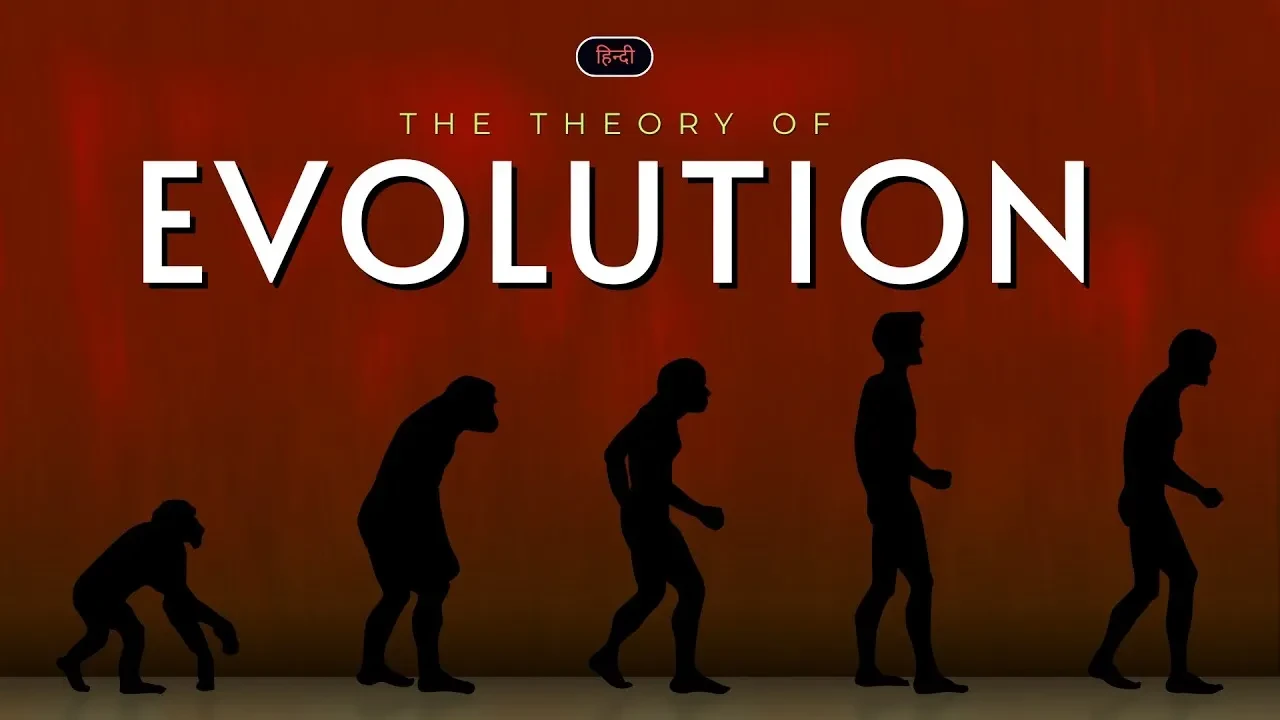
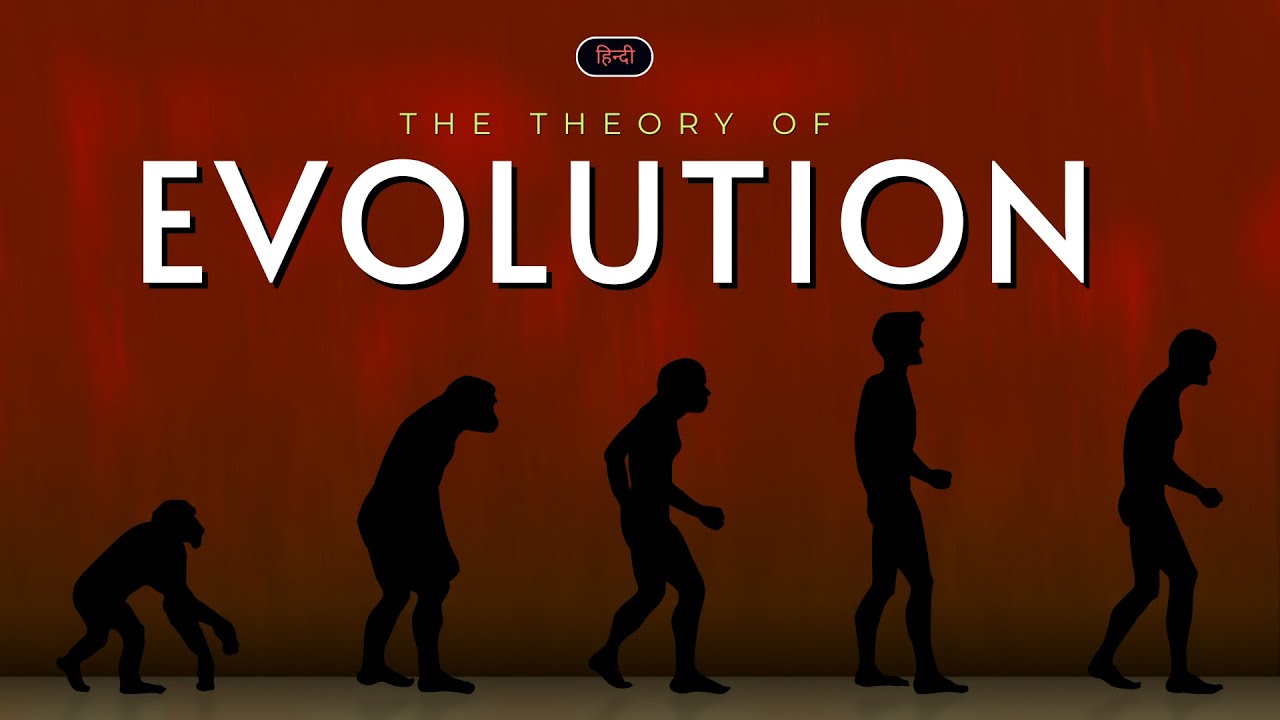
Folks fit right into nature's long-running changes too. Scientists say today’s people came from older relatives, stretching back ages upon ages. Looking at how humans changed over time lets researchers piece together where we began, what shaped us. A slow shift through countless generations made us who we are now.
Evolution matters because it explains how life changes over time
Far from just a classroom idea, evolution shapes how we understand the many forms of life around us. Because it influences fields like farming, health care, and efforts to protect nature, its reach goes much deeper than textbooks suggest.
Few realize how tracing life’s changes helps uncover disease patterns. Following nature's path leads to stronger plants in fields. Watching species adapt reveals ways to shield those at risk of vanishing.
Conclusion
Floating through deep time, life reshaped itself slowly across endless ages. Not by sudden leaps but tiny shifts piling up, single cells grew stranger, branching again and again. One change led to another because only those suited to their world slipped forward. What began small became countless forms - each shaped quietly by need and chance.
Life shifts, adjusts, then moves forward - evolution shows how things slowly transform around us.
Wondering where your body comes from? Inside you, organs, muscles, tissues - each one shaped by little building blocks known as cells. Microscopic in size, needing a lens to be spotted, still busy doing vital jobs nonstop. Though invisible alone, together they run everything.
Floating through bloodstreams, cells quietly build life. A single unit does so much - repairing, growing, living. Inside each tiny shape, energy moves without noise. Life ticks forward, one pulse at a time. These parts work even when you rest. Hidden systems keep balance day after day.
Human Body Cell Basics?
Inside you, tiny building blocks make up everything - each does its own job. Life runs on these small units, found in numbers beyond counting. One fits into place while another powers movement. Their work keeps things going without pause.
For example:
Oxygen moves through the body inside red blood cells.
Built for motion, muscle cells power your body's movements.
Nerve cells send signals to the brain.
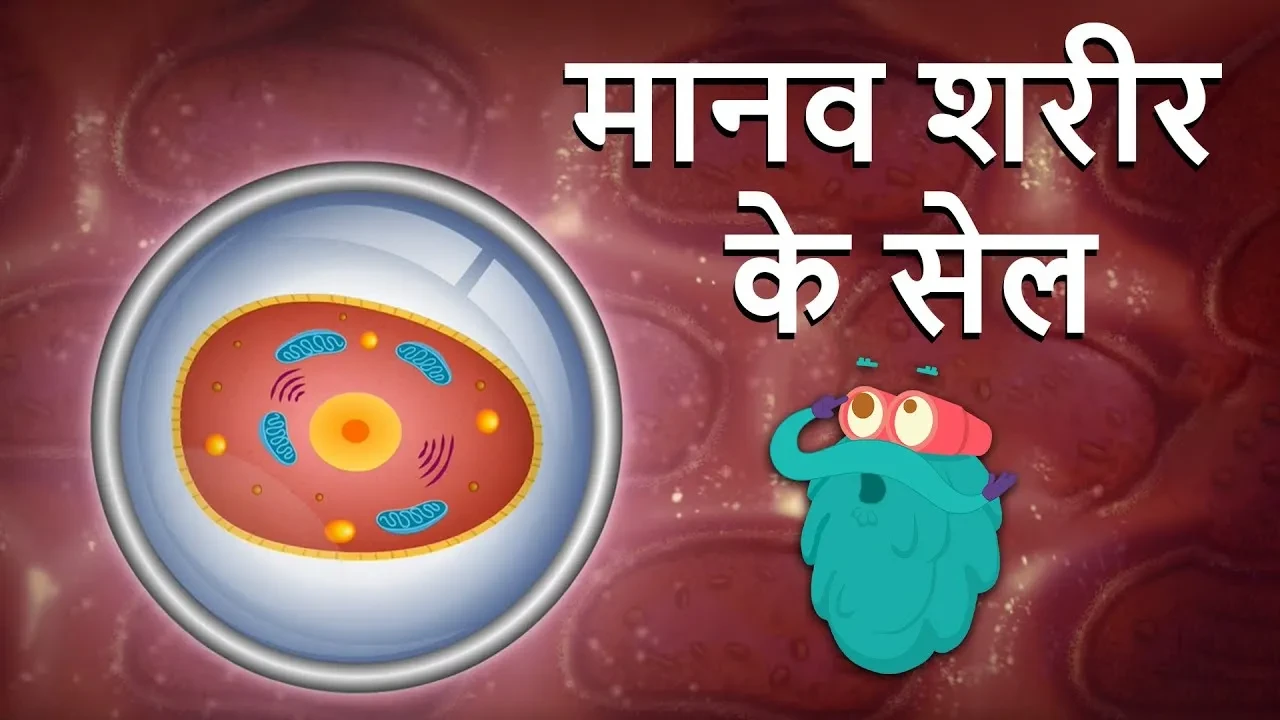
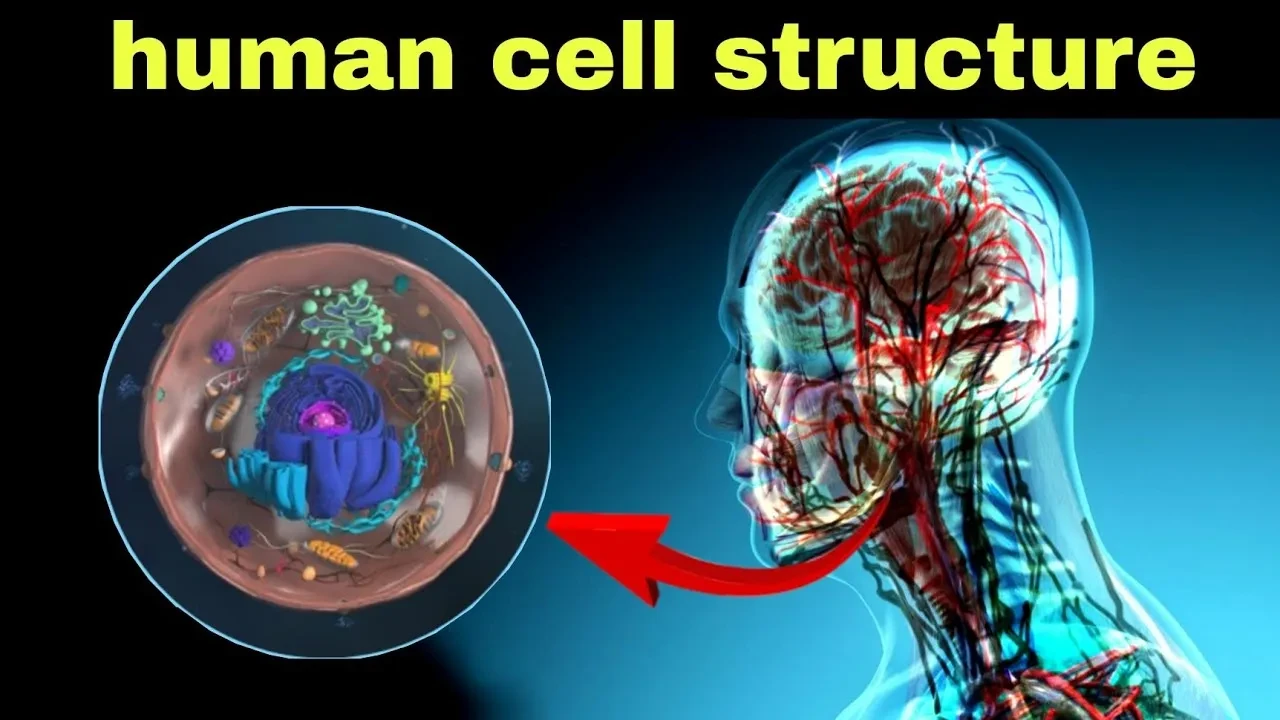
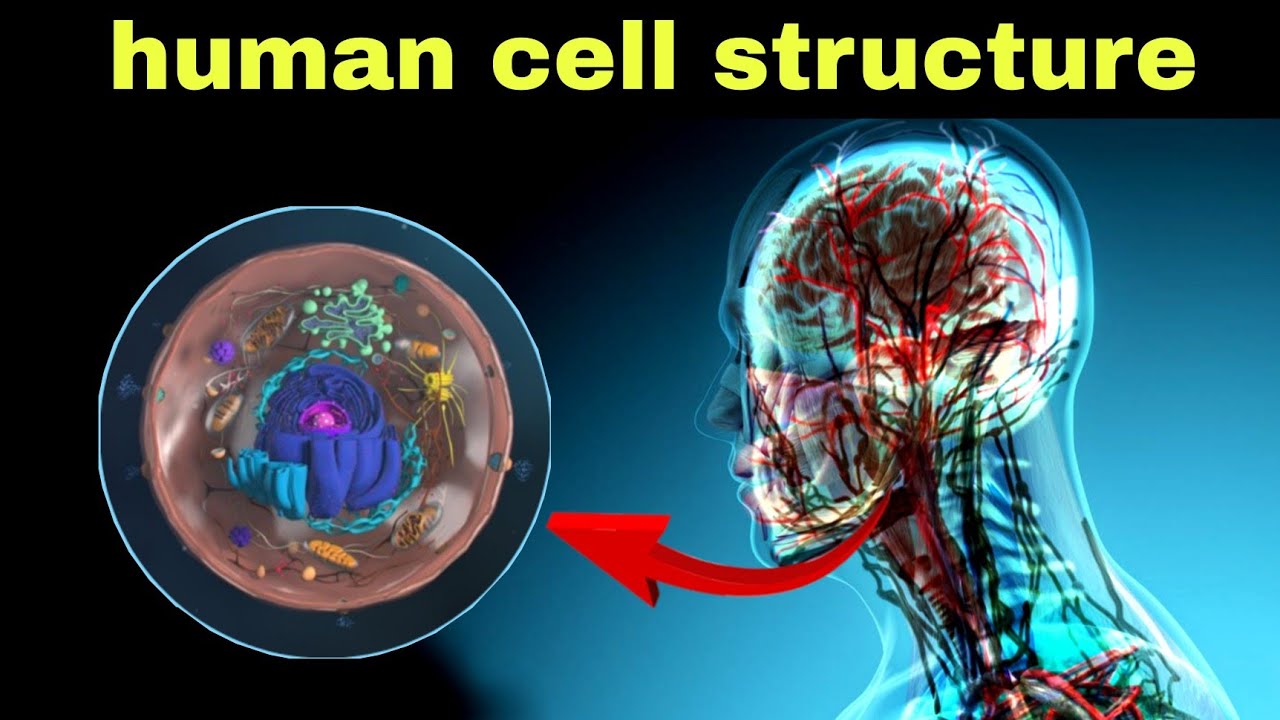
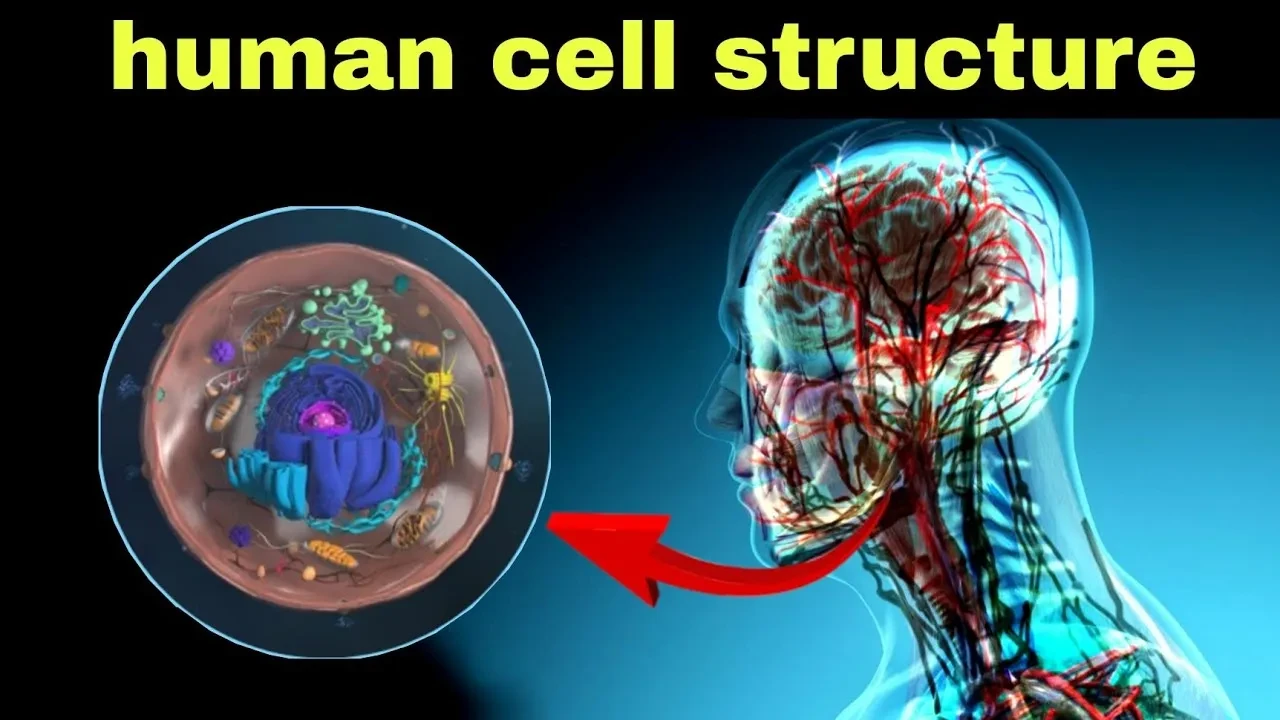
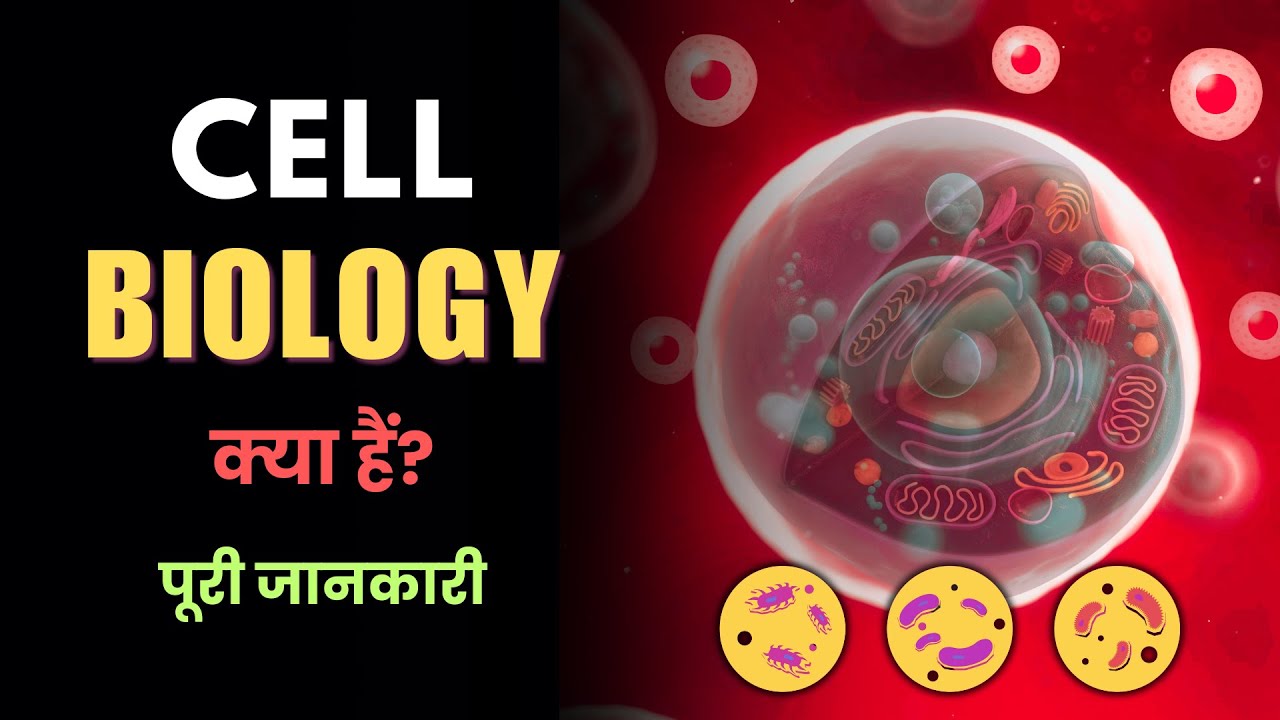
Inside human cells, you’ll find a clear nucleus along with tiny working sections that handle specific jobs. A membrane wraps around the center part where genetic material sits protected. These inner pieces do different tasks, each one built for its role. What makes them eukaryotic is this organized setup with compartments. The cell isn’t just a blob - it’s structured, layered, divided with purpose.
Main Components of a Human Cell
Inside every person's cells, parts team up to keep things running. One doesn’t function without the others nearby. These pieces split tasks among themselves quietly. Life depends on their unspoken teamwork behind the scenes. Nothing works alone in such a tight space.
1. Cell Membrane
A thin layer wraps around each cell, acting like a gatekeeper. This barrier decides which materials pass through, keeping dangers out.
2. Cytoplasm
Moving through the cell's core, a gel-filled space keeps everything steady. This gooey environment supports tiny parts while helping processes happen. Ending where the outer layer begins.
3. Nucleus
Buried inside the cell, the nucleus runs things without a pause. Inside it, DNA holds the plans - how to grow, fix damage, even make new cells.
4. Mitochondria
Inside every cell sit tiny structures that make power. These little factories run on a system named cellular respiration. Because of this, each cell gets what it needs to do its job.
5. Ribosomes
Inside cells, tiny structures craft protein molecules. These crafted molecules support body parts, spark chemical reactions, plus help regulate bodily functions.
Human Body Cell Types
The human body has many different types of cells, including:
Blood cells
Muscle cells
Nerve cells
Skin cells
Bone cells
One kind works a certain way on purpose. Another does something else entirely by design.
Human Body Cells Matter
From tiny units come life’s basics - growth, repair, health. If these building blocks run smoothly, so does the whole system. Trouble begins when they get hurt or go off track. Problems inside them often lead to illness.
A single cell holds clues - researchers examine them closely so new medicines can take shape. Tiny pieces of life reveal patterns when watched over time therefore breakthroughs sometimes begin there.
Conclusion
A single cell seems small - yet builds everything alive. When you blink, remember, that flick relies on countless tiny parts syncing up.
Mars stares back, red and quiet, while people dream about who might live there. Its dusty glow has sparked curiosity since forever - poets scribble it, researchers study it, adventurers plan for it. Could creatures actually survive under that pink sky, or is it only stories we tell?
Here is a fresh look at the facts we have, while researchers continue searching for answers. Though much remains unclear, efforts to learn more press on without pause.
Why Mars Captures Attention
A planet much like ours sits just a few million miles away. Seasons shift there too, with icy poles growing and shrinking. Volcanoes rise high above dusty plains, silent now but built long ago. Riverbeds carved into rock hint at streams that flowed in deep time. Water must have moved across that land when things were different.
Puddles might once have pooled on Mars. That idea pops up since critters here thrive where water flows.
Water Found on Mars
Far beyond Earth, signs show Mars had rivers long ago. Tiny grains found there only grow when soaked. Machines from our planet spotted old channels carved into red stone. Where those wheels rolled, damp history hides.
A good instance? The Perseverance Rover moves across Mars now, gathering rocks - looking for clues about long-ago living things.
Even without solid evidence of living things so far, Mars still stands out as a top spot for exploration because of what we’ve found.
Life on Mars Now?
Right now, Mars holds just a wispy layer of air, bitter cold that never lets up, yet bathed in strong radiation. Because of this mix - freezing, nearly no protection, plus constant cosmic exposure - living things struggle to last above ground.
Beneath the surface, a few researchers believe basic microbes could survive. There, shielded from harsh radiation, environments may stay steady enough. Not everyone agrees, yet the possibility lingers in hidden pockets below.
Human Trips to Mars
One day, people might walk on Mars - scientists are already mapping how that could happen. Not far behind, groups such as SpaceX have set their sights on launching crews there within a few decades.
Should people reach Mars, their work would dig into clues about past life while testing if settlements might survive there later. One big goal? Probing soil and rocks for hints that biology ever took hold. Conditions now are harsh - yet scientists would check how close the world comes to being livable. Equipment brought along would run experiments day after day. Each result helps shape plans for longer stays down the line. Living there demands solutions we do not fully have today. Still, learning happens step by step through hands-on study. New data from explorers could shift old assumptions completely. Even tiny discoveries may guide what follows next.
Why the search matters
Finding even a single microbe on Mars might shift how we see living things out there among the stars. Life outside Earth becomes real if that happens, nudging us toward distant worlds with fresh curiosity.
Looking into space gives researchers clues about our planet’s past. What happens on distant worlds shows patterns similar to Earth’s changes through ages.
Conclusion
Maybe life exists on Mars - nobody can say for sure yet. Still, current probes along with upcoming trips into space are slowly peeling back the layers of that puzzle. What remains unknown today might not stay hidden forever.
Out there, Mars holds secrets few places can match. If ancient microbes show up - or signs they were ever there - the search pulls us forward, even without answers. The path matters as much as what waits at the end.
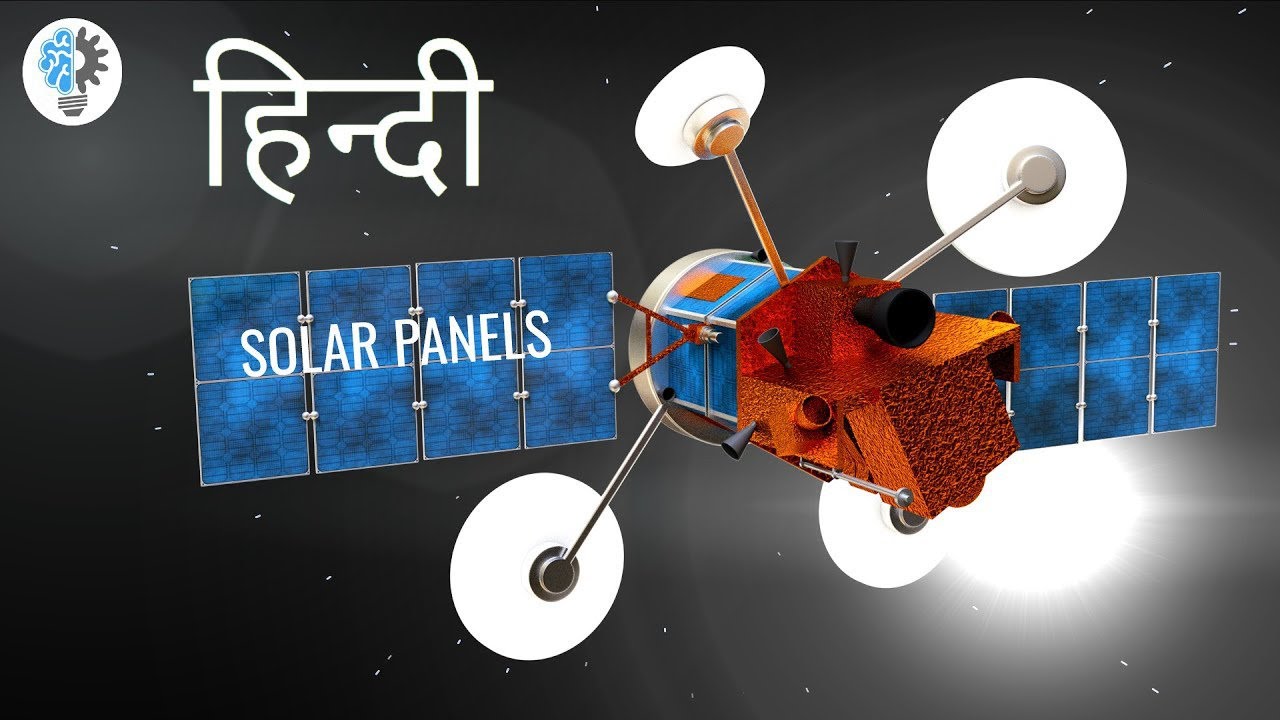
Shiny squares up on roofs, sometimes stretching wide over empty land. These catch sunbeams, turning them straight into power. When daylight hits, they start working without noise or smoke. More people choose them now, searching for ways to ease their impact on nature. Their rise fits a shift toward options that last longer and pollute less.
Yet here lies the core question: what makes solar panels tick, making them matter today? Dive into it we will.
Understanding Solar Panels?
Sunlight becomes power through flat panels built for that job. Inside each one, tiny pieces work together - most crafted from a material known as silicon.
A spark of sunshine sets off a flow inside those panels. Power made right where it's used, thanks to nature’s steady glow.
How Solar Panels Work?
A single beam of sunlight hits the panel, triggering tiny particles inside. This movement creates electric current through invisible shifts in matter. Energy flows when light nudges electrons loose across special layers. The process runs without noise, fuel, or moving parts involved.
Here’s how the process happens:
When sunlight lands on the panel, tiny energy bits called photons touch the solar material. A reaction begins as those particles move through the cell layers.
When light hits silicon, loose particles begin to shift. A push from sunshine sets tiny bits in motion across the surface.
Flowing electrons produce electric current. As they move, a steady stream of DC power forms. This happens when particles travel in one direction through a conductor. Their motion builds up energy we can use. Not every electron moves at once - some lag while others push forward. Still, the overall drift generates usable flow. That transfer is what powers many basic devices.
A switch flips the flow - instead of steady stream, it becomes waves. That rhythm runs your fridge, lights, TV. Machines need this back-and-forth push, not one-way energy.
Far beneath the surface, nothing loud ever occurs during this sequence. Emissions that could hurt the environment never show up along the way.
Types of Solar Panels
Few kinds show up most often
1. Monocrystalline Panels
Black is their usual shade. Built using single-crystal silicon, these perform very well. Their structure comes from a unique crystal form.
2. Polycrystalline Panels
Not quite as effective, yet easier on the wallet. A cool blue tint shows through.
3. Thin-Film Panels
Lightweight they may be, yet efficiency often takes a hit compared to others. Flexibility comes through, though performance tends to trail behind.
Solar Panels Offer Long Term Energy Savings
Solar panels offer many advantages:
Renewable energy source
Reduced electricity bills
Low maintenance
Environmentally friendly
Long lifespan (often 20–25 years)
Using them means less need for oil, since cleaner options take its place. Emissions drop because the air gets a break from sooty outputs.
Locations Using Solar Panels?
Solar panels are used in:
Residential homes
Schools and hospitals
Solar farms
Street lighting
Space satellites
Fueled by a push for greener options, nations pour funds into solar power instead of fossil fuels. Sunlight becomes electricity through growing networks of panels across regions worldwide. While some governments hesitate, others move fast - backing innovation that cuts pollution over time. Each step forward relies on infrastructure built today shaping how homes get powered tomorrow.
Conclusion
Under bright skies, solar panels grab sunlight to make electricity. Using the photovoltaic effect, these systems turn light into usable power. Homes run on it. So do factories. Energy flows without pollution when the sun shines. This method keeps going as long as daylight lasts.
With more people turning toward clean power, sunlight caught on rooftops might just lead the way forward. Though unseen by many, those glass-covered tiles slowly change how homes get their juice.
What if your phone could turn lights on or off, anytime? Picture a watch that counts every step, even checks how fast your heart beats. Such gadgets belong to a network known as the Internet of Things - IoT for short. A silent web ties them together, working behind daily routines.
Outside the usual chatter, IoT shapes daily routines more than many notice. What stands behind the term becomes clear only when devices start talking to one another without being asked.
Understanding the Internet of Things?
A bunch of everyday gadgets link up online, sharing information back and forth without needing people to step in. These smart objects talk to each other through the web, swapping details whenever they need to.
From coffee makers to doorbells - common items now come with digital insides
Smart TVs
Smart refrigerators
Fitness bands
Security cameras
Smart bulbs
Imagine gadgets talking online, sharing info on their own. That is what happens when machines connect without needing people around. This kind of link lets them work together quietly, day or night.
IoT connects devices using sensors and internet?
IoT works through four main steps:
1. Sensors and Devices
A single flicker of data comes from smart gadgets using built-in detectors. Picture one tracking warmth, quietly noting how hot or cold a space gets.
2. Internet Connection
From there, information travels online into a storage network high above ground level.
3. Data Processing
From here, it sifts through information before choosing a move. Then again, each step follows what the numbers suggest.
4. Action
A signal comes in, then the machine reacts without waiting. Take a smart air conditioner - it changes how hot or cold it feels all by itself.
A single chip often runs these smart gadgets you see around homes. Boards such as the Arduino Uno take charge, making things respond when needed. Instead of big computers, tiny controllers handle tasks quietly behind the scenes.
Internet of Things Examples
Take a look at these everyday cases
Flick on the kitchen lamp through your phone screen. Gadgets around the house wake up when a tap lands on an app. A coffee maker stirs minutes after a bedroom light fades out. Screens far away can shift how things run nearby.
Wearable Devices – Smartwatches that monitor health.
Fresh off the grid, city signals now shift timing when cars pile up. Instead of fixed cycles, they respond as roads fill. Driven by live data, changes happen mid-flow. Not preset but shaped by movement seen. Timing reshapes without waiting for old schedules. As vehicles move, patterns guide green and red.
Healthcare Monitoring – Devices that track patient health remotely.
IoT connects everyday devices to share data?
From smart homes to factories, life gets smoother thanks to connected devices. Energy use drops when systems adjust themselves without being told. Safety climbs because sensors spot risks before they grow. Machines talk to each other so problems slow production less often. Factories watch equipment nonstop using these links between gadgets.
Still, the rise of smart devices brings questions around how personal details are kept safe. Guarding what people share matters a lot when everything talks to each other.
Conclusion
Folks now link common gadgets online so these tools exchange details while operating smarter. Starting at home automation and moving into urban networks, tech evolves differently because sensors talk without people involved.
Faster gadgets mean more machines talking to one another. Smarter homes start to think ahead, responding before we ask. Devices share data through invisible threads woven into daily life. This web of signals helps cities breathe easier, adjusting lights and traffic on its own. Machines learn routines simply by watching. What once felt like science fiction now hums quietly inside refrigerators, cars, and streetlamps.
What if light from the sun could run your house, a classroom, or whole neighborhoods? Not magic - just quiet physics doing its job. Among power options now, few are as gentle on Earth as energy drawn straight from daylight. Using panels to turn beams into current means less smoke in the air, fewer scars on the land.
Picture sunlight hitting panels on a roof. Those panels grab light, turning it straight into power. No smoke, no spinning turbines - just silent energy born from sunshine. Wires carry that flow inside homes. It runs lights, charges tools, keeps things moving. This whole process skips fuel, avoids noise. Daylight becomes usable force without fire or fumes.
Understanding Solar Power Basics?
From the Sun arrives solar energy, a constant stream of power. Every second, vast quantities of light and heat burst out from its core. Capturing sunlight happens through solar panels built for the task. Turning that light into electricity becomes possible with their technology inside.
Light becomes power through what scientists call the photovoltaic effect. Sunbeams hitting certain materials trigger electric flow, a phenomenon named long ago. This transformation happens without moving parts, just physics at work quietly.
What Solar Panels Are Made Of?
Found inside every panel, tiny pieces known as solar cells do the real work. Most often built using silicon, a substance that carries electricity under certain conditions.
Light lands on a solar panel, shaking loose small bits known as electrons within the silicon. Because of this push, those pieces begin to travel, forming a flow of electricity.
A strange thing happens when sunlight hits certain materials - it creates electricity. That’s how solar panels work, thanks to what scientists call the photovoltaic effect.
Solar Power Generation Process
Here’s how the process works:
1. Sunlight Reaches the Solar Panel
A single flash from the sky lands on the panel's face. Tiny pieces of light begin their move across the material. One after another, they press into the outer layer. Each touch sets off a small shift underneath. Energy passes through where the rays make contact. Particles born in sunlight kick off the chain. The moment they arrive, change begins silently.
2. Electrons Get Excited
Freed by sunlight, electrons move through silicon's structure.
3. Electric Current Forms
When electrons travel inside the cell, that flow becomes DC power. Power like this forms because tiny particles keep moving steadily through materials built to guide them. Their path is set by how parts are arranged deep within the structure.
4. Inverter Changes Power
Most houses run on alternating current, meaning the direct current first goes through a device called an inverter. This changes it into the form of electricity homes actually use. The switch happens right there, inside that box.
5. Electricity Runs Through Homes
Flickering through wires, power reaches your house - lighting rooms, spinning fan blades, keeping devices alive. A quiet hum under walls feeds everything that needs a spark.
Why solar energy matters
Sunlight keeps coming, so power from it won’t disappear while the Sun stays up. Without fumes that hurt air quality, unlike coal or oil burners, it eases pressure on nature.
Some nations now back solar farms while leaning more on home rooftops with panels instead of relying only on fossil fuels.
Conclusion
When sunlight hits them, solar panels make electricity using the photovoltaic effect. Because they turn light into power, these systems offer a lasting way to meet energy needs without pollution.
Sunlight slips through the sky, hitting those rooftop tiles that hum with hidden energy. They sit without noise, doing their work where most forget to look. Each ray gets changed without fanfare, feeding what lights up rooms and runs machines below. Notice them sometime - still, useful, unseen.
Curious about the tiniest parts inside you? Organs, tissues, everything - shaped by miniature building blocks known as cells. Under a microscope reveals them: invisible to the eye, but busy doing intricate jobs. Though minuscule, each one handles demanding tasks without pause.
A single human cell holds clues to growth, healing, daily operations. Picture it: tiny parts working together, yet each with its own role. Instead of just calling them building blocks, think of them as workers inside a busy station. One part manages messages, another powers movement. Life hums quietly within these microscopic spaces. Each piece fits, not by chance, but through precise design. See how shape guides purpose, even at this small scale.
What a Human Cell Is?
A single part inside you builds everything - tiny but built to do jobs. Trillions team up, yet every one acts on its own mission. Signals race along nerves when told. Movement happens because certain parts tighten when needed. Oxygen rides through the body packed inside floating carriers.
Inside human cells sits a clear nucleus, surrounded by tiny working parts that do their jobs quietly. These units operate like organized hubs, each holding specific duties within the inner space.
Main Parts of a Human Cell
Inside every human cell, tiny parts work separately yet together. One part manages tasks while another stores vital information. Some pieces produce energy whereas others help with structure. Each section has its own job instead of sharing roles. These elements operate without overlap but still depend on one another.
1. Cell Membrane
Outside every cell sits a thin layer called the membrane. This boundary decides which materials pass through it. Harmful stuff stays outside because the membrane blocks it. Nutrients slip in, along with oxygen, when needed. Protection comes first, yet access matters too.
2. Cytoplasm
Inside every cell sits cytoplasm, kind of like gel. This material keeps everything where it should be while supporting essential processes. Chemical activity happens here because the environment makes it possible.
3. Nucleus
Inside every cell, the nucleus runs things without shouting orders. DNA lives there, holding codes for how to grow, fix damage, or make new cells. What happens next depends on those quiet blueprints tucked inside.
A tiny boss inside runs everything, keeping things moving smoothly. It gives orders so each job gets done right.
4. Mitochondria
Making their mark inside every cell, mitochondria crank out energy. While most parts just sit there, these tiny units work hard using cellular respiration. Because of this fuel, cells manage daily jobs without skipping a beat.
5. Ribosomes
Inside cells, ribosomes work like small factories producing proteins. These molecules matter because they form tissues while helping create enzymes plus hormones needed by the body.
6. Endoplasmic Reticulum (ER)
Inside every cell, tubes and sheets spread out where proteins get built. These pathways also handle making fats needed by the body. Moving things around is easier because this web carries materials. Like roads inside a tiny world, they connect different areas.
7. Golgi Apparatus
Proteins arrive at the Golgi after being made elsewhere. From there, they get changed in specific ways. Some go to spots inside the cell. Others head out beyond the outer boundary. How each one moves depends on its updated structure.
Human Cell Structure Matters
Cells make up every part of the human body, so peeking inside them lets researchers see what goes wrong during illness. Because tiny parts act differently when sick, spotting those changes opens doors to new treatments. One breakthrough often leans on knowing how healthy cells behave day to day. Peering into living units reveals patterns that lead straight to better drugs. What happens under the microscope shapes much of modern medicine's progress.
Conclusion
A speck under the microscope, yet packed with purpose, the human cell hums with quiet intensity. Though small beyond sight, its machinery works without pause, one piece after another stepping into place. Not just floating randomly, components like the outer shell or command center take turns handling life's endless tasks. Life holds on because of these unseen efforts, moment by moment.
From understanding how cells are built comes wonder at the body's clever setup - along with its healing tricks. A single clue unlocks what makes life tick; inside each tiny part hides balance shaped by time.
Ever stared into a mirror and met your own eyes? What about spotting your shape on still water? Each one happens because light bounces off surfaces - this act has a name: reflection.
Light bounces off surfaces - that is what reflection means. When rays meet a barrier, they return instead of passing through. This behavior shapes much of our visual experience every day. What you notice in mirrors comes from this exact process. Seeing objects nearby or far relies on such rebounds constantly happening.
What Is Reflection?
Off comes the light, rebounding after meeting a barrier. Hitting glass-like areas brings sharp returns - think ponds without ripples or polished metal. What shows up isn’t random; it's what stood there moments before.
Light bounces off things, shifting its path when it meets a surface.
The Law of Reflection
A mirror doesn’t guess where light goes - it obeys an old trick. Bounce angle matches incoming one, every single time.
This rule explains how things work when put like this:
A beam striking a surface tilts away at the same tilt it arrived with. What comes in on a slant leaves on that very slant. Light never veers off by guess - it mirrors its approach. Each arrival angle matches exactly how it departs. Bounce follows path, just reversed.
A flat surface holds an invisible line sticking straight out from it. That line, the incoming light beam, and the bounce-off beam sit together on one flat sheet. You could lay a piece of paper through all three and it would fit just right.
Scientists rely on this principle when creating tools like cameras. Mirrors take shape guided by its logic. Optical gear often follows where it leads.
Types of Reflection
One kind of reflection shows up when you think about your actions. Another appears through feedback from others around you
1. Regular Reflection
This occurs if light bounces from a polished surface such as glass. Rays that bounce stay evenly spaced, yet they create a sharp picture.
Example: Seeing yourself in a bathroom mirror.
2. Diffuse Reflection
When light lands on something uneven, such as a sheet of paper or a wall, it bounces off every which way. Because the rays spread out randomly, you won’t see any distinct picture there.
Example: Light reflecting from a painted wall.
Why Reflection Matters
Light bounces off things so we can notice them. From the sky or a lamp, it travels toward surfaces, then shifts direction - entering our sight. That shift helps reveal form and hue.
Reflection is also used in:
Periscopes
Telescopes
Rear-view mirrors in vehicles
Solar cookers
Facing glass alone does nothing - only when light bounces back do images form. Mirrors need that return path, just like telescopes rely on redirected sightlines.
Reflection in Daily Living
Mirrors aren’t the only places where images appear. Picture your face showing up on a shiny spoon - light takes that bounce everywhere. Skyscrapers slip into view across window panes because beams skim right off them. Bouncing happens nonstop, even when we do not notice.
Light bounces off the Moon, making it glow. That brightness comes from our star’s rays hitting its surface. Without that solar touch, it would sit dark in space.
Conclusion
Light bounces off surfaces, which makes reflection happen. This bounce lets you spot your face in a mirror. Without it, seeing nearby things wouldn’t work the same way.
When light hits glass or ripples across a lake, pause - what you see is reflection doing its quiet work. Sometimes it's sharp, sometimes blurred, always following invisible rules. You catch your face in windows not by accident but because physics shapes every angle. Sunbeams skip off surfaces like stones on ponds, each bounce predictable yet surprising. Notice how stillness changes everything when waves vanish. Even shadows shift once reflection steps in. It isn’t magic - it’s direction, speed, surface meeting precisely. Your eyes gather what light decides to send back after touching something solid. Each gleam holds geometry too small to touch. Reflection doesn’t shout; it slips into view when least expected.
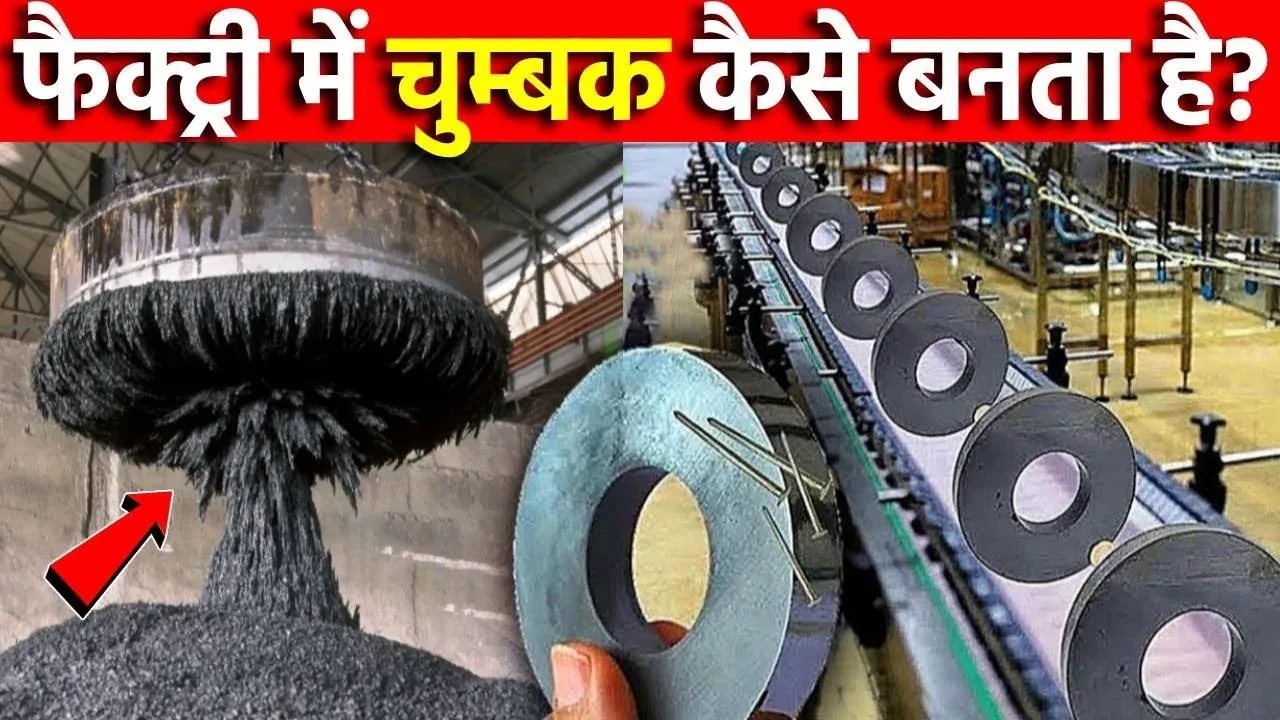
Imagine holding something small that powers huge machines. Factories shape regular metal into strong magnets using exact methods. These invisible forces live inside speakers, fridges, medical gear, motors, generators too. Science guides every step quietly behind the scenes. Making them demands care, knowledge, careful hands.
Let’s explore how factories manufacture magnets step by step.
What Magnets Are Made Of?
Folks usually craft heavy-duty magnets using stuff like iron, though sometimes nickel steps in, along with cobalt or custom metal blends. Rare-earth elements take charge these days - neodymium shows up a lot when power matters.
What stands out most? The Neodymium magnet - it pulls hard, works everywhere from phones to cars. Its power makes it a go-to choice where strong pull matters. Found inside many modern gadgets, quietly doing the heavy lifting.
Preparing the raw materials
Starting off, raw magnetic substances get picked and cleaned up. With neodymium types, rare-earth elements come out of the ground first, then go through purification. A furnace heats them - melting everything into one blend that carries magnetism.
Fine powder forms once the molten blend hardens and shatters.
Press and shape
A sudden push of force packs the magnetic dust into a shaped cavity. Right then, an invisible pull from outside begins to stretch through the mix. Every small bit inside starts pointing one way, pulled straight by that unseen reach.
Without this match, the power of the finished magnet changes completely. What lines up at the start shapes how strong it becomes in the end.
Sintering Heating Process
Out comes a dense piece when heat grabs hold inside the furnace. Sintering - this slow bake - locks grains tight, yet keeps them lined just so.
A solid toughness takes hold once this step finishes. Hardness settles in, packed tight like stone after pressure.
Cutting and Coating
After cooling down, discs, rings, or blocks emerge from cutting and shaping. Since rust creeps fast on metals like neodymium, a shield forms - nickel or epoxy wraps around each piece.
Because of this layer, rust stays away while the material lasts longer.
Step 5: Magnetization
Only when it reaches the last step does the magnet become truly active. Inside a strong electromagnet, it sits still while an intense field builds around it. Little by little, the hidden domains lock into place - fixed now, facing one direction.
Magnetism works because tiny pieces line up inside a magnetic field, pushing or pulling depending on their direction. What you feel as force comes from those small parts pointing the same way. A shift in alignment changes whether things stick or push apart. This invisible area around magnets shapes how objects respond without touching them.
Quality Testing
Magnets get checked at factories - strength first, then how long they last, also how they handle heat. If they fall short on any front, out they go; none make it past unless every mark is hit.
Conclusion
Factories shape magnets through a mix of clever chemistry and smart design. Starting with rough ingredients, they slowly transform them into powerful objects using precise routines - each phase locked in to boost performance without fail.
When your speaker plays sound, think of the long journey it took - each magnet shaped by careful steps in a factory. Motors hum to life because metal inside was changed bit by bit. Even fridge magnets stick thanks to slow, precise work done far away. What seems simple now once moved through machines, one stage at a time.
Out there, beyond the wall socket, energy moves without stopping. Phone chargers hum, lamps glow - this happens because power finds a path. Think of it like water through pipes, only invisible and fast. Paths are made when connections form loops. Without these closed routes, nothing switches on.
A spark jumps when power finds its path through hidden loops inside walls. Flow begins at a source, then slips along wires shaped like quiet rivers. This movement reaches gadgets that light up, spin, or hum without warning. Each piece connects not by chance but by design meant to guide without harm. Paths stay safe because barriers hold back chaos where current runs. Parts link - some push, others block - to keep rhythm steady and sure. Energy does not wander; it follows rules built into every twist. Without structure, the force would scatter instead of serving. Simple parts make complex work feel invisible during daily use.
What Is Electricity?
Flying unseen inside wires, electrons carry power we call electricity. Their travel through materials builds what people measure as current.
Electricity comes in two primary forms. One kind flows steadily, like a smooth river. The other shifts direction now and then, flickering back and forth. Each behaves differently depending on how it moves through wires
Electric charge stuck on a surface? That's static electricity. Charges gather, stay put until they jump. Surface holds them tight, no moving along. Buildup happens when electrons don’t flow away. Instead, they pile up right where they landed.
Floating along inside wires, electric charge moves without stopping. This steady movement is what we call current electricity.
Folks at home and kids in classrooms mainly rely on current electricity to power things. While other types exist, this kind runs most appliances people plug in every day.
Electric Circuit Basics?
A loop made of materials lets electrical energy move along it. When everything connects properly, power moves without issue. A gap anywhere halts the movement completely.
A path for electricity flows out of a battery, into an appliance, then returns - this circle keeps things running. Sometimes it starts at one end, travels through wires, reaches what needs power, circles back where it began.
Main Components of an Electrical Circuit
A simple electric circuit includes four key parts: power source, wires, switch, load
A small burst of power comes from here - think of it like stored electricity ready to move. Sometimes quiet, always waiting to feed a circuit when needed.
Inside cables, thin metal strands pass energy along. These pathways let power move where it needs to go.
A single gadget pulling power might be a light or maybe something spinning. What matters is it takes energy to run.
When flipped, it decides if power flows through the path. A tiny move here stops everything downstream. Open means nothing runs. Closed lets energy pass freely. Its position shapes what happens next across the wires.
Flicking the switch one way lets power move through. The opposite position blocks its path completely.
Types of Circuits
1. Series Circuit
A single loop carries current through each piece in sequence. When any element fails, everything else shuts down too.
2. Parallel Circuit
One path holds each part in a setup called a parallel circuit. When something breaks on its own line, everything else keeps running anyway. Homes mostly wire things this way because it stays safe even if problems pop up.
Electricity Measurement Basics
Electricity is measured in units like:
Voltage pushes electricity forward, like pressure in a hose making water flow. It shows how hard energy moves through wires, determining what devices can run. Without enough of it, gadgets simply stay off.
Electric charge moves - that movement is called current.
Fighting against electric current? That's resistance. It slows things down when power moves through a material. Not every substance allows easy passage. Some materials push back more than others. This pushback shapes how circuits behave. Electricity meets friction inside wires. Resistance is that friction.
Scientists understand how things connect because of Ohm's Law - it guides circuit designs that stay secure. Engineers rely on this rule so systems work without danger lurking inside.
Electricity and Circuits Matter
Flickering lights, humming machines - circuits make it all possible across houses, clinics, classrooms, labs. If paths for current failed, gadgets simply wouldn’t turn on. Spotting what happens inside wires reduces shocks while guiding smarter habits around power.
Conclusion
Flowing through wires like invisible rivers, electricity drives everything around us. Without paths for movement, none of it would reach where needed. Batteries light up small lamps; vast networks keep cities running. Hidden behind walls, these routes shape how we live each day.
When that bulb glows up again, think: your hand just closed a loop - energy flows because the path is clear. Power moves only when everything connects right.
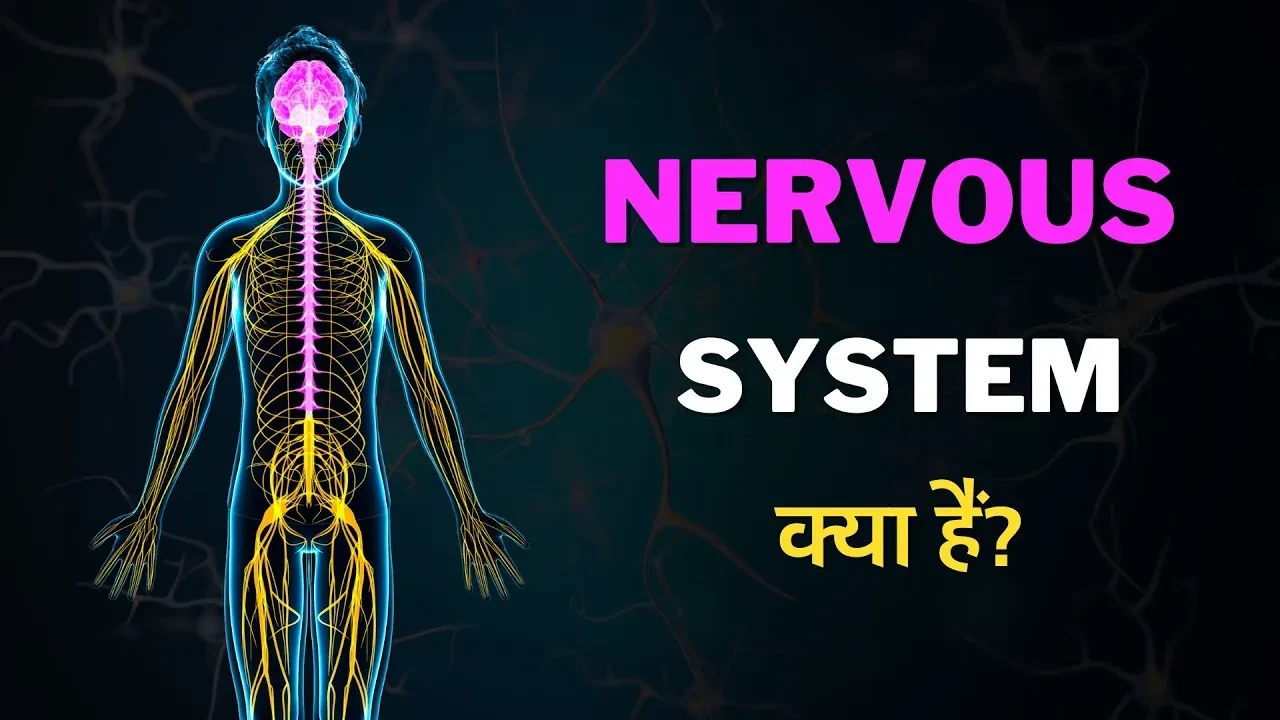
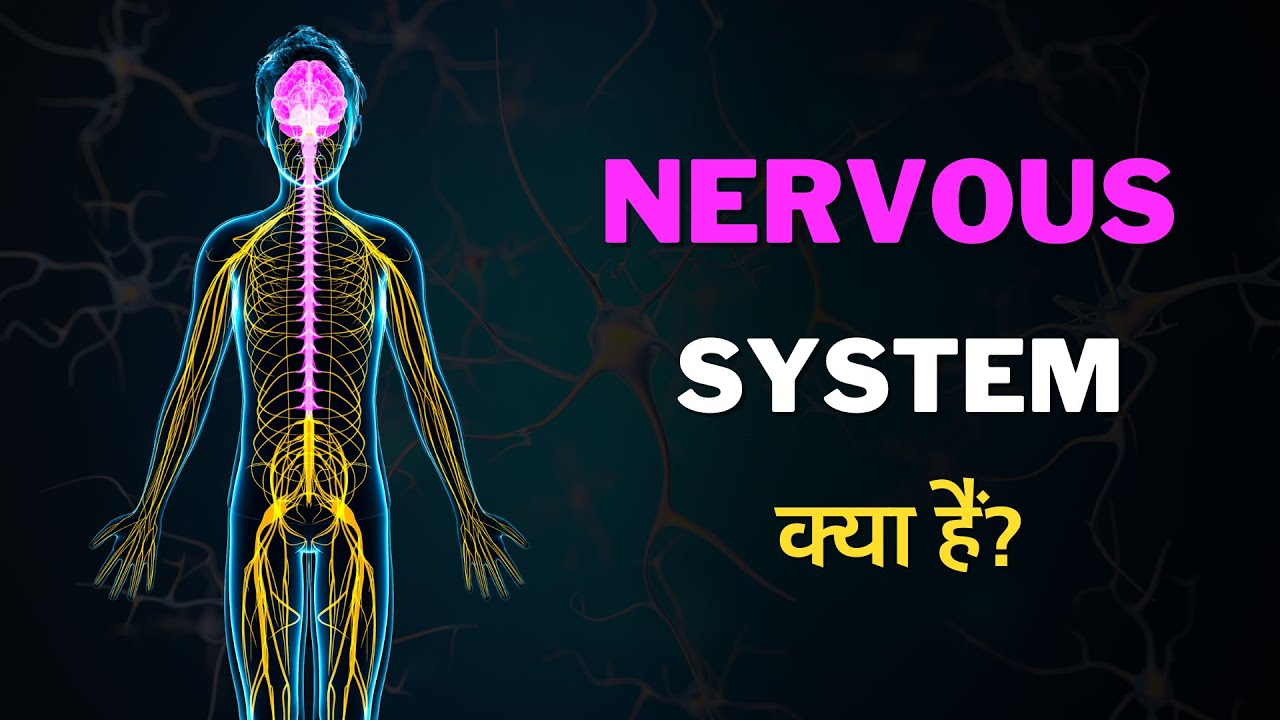
Imagine touching a scorching pan - your hand pulls back before you even realize it. Thoughts, emotions, motion, memories - they all trace back to one hidden network. This web of cells works nonstop beneath your skin. It's known as the nervous system, quietly running everything.
Messages zip through your body using a web of nerves, much like signals traveling across wires. This setup links arms, legs, eyes, ears - everything - to one central hub. Information moves fast, sometimes in a flash, allowing reactions before you even think. Picture it working quietly whenever you touch something hot or hear a sudden noise. Inside, tiny cells pass along electrical sparks without stopping. Every moment, it adjusts, shifts, reacts - all behind the scenes.
Understanding the Nervous System?
A web of fibers and specialized units shuttles signals back and forth from brain to limbs. From breath to pulse, it runs each motion, even silent feelings deep inside. While one part tracks muscle shifts, another lights up when memories rise. Though hidden beneath skin, its reach stretches into every blink, word, choice.
Nerves carry messages so your body can respond. One part senses changes, another acts on them. Signals move fast through special cells. This network links brain to limbs. Control happens without you thinking. Messages zip along pathways like traffic. Your organs get directions constantly. Every reaction starts here. Communication runs both ways at once.
Main Parts of the Nervous System
The nervous system has three main parts:
1. Brain
Inside your head sits the command hub for everything you do. This part takes in what's happening around you, figures out how to respond, then directs your actions. Thinking, picking up new things, recalling moments - those happen here too.
2. Spinal Cord
Down near your backbone runs a thick line of nerve tissue, linking head to limbs. From there, signals travel both ways - brain down, body up - without stopping.
3. Nerves
Wires thin as threads run through every part of you. When one fires a message, motion follows - skin feels, limbs shift. Signals zip along them, quick and sharp, linking thought to action without pause.
Pieces link up to build the brain and spinal cord along with networks that tie limbs and organs into command centers. A web of fibers carries signals outward while another brings feedback back home.
Understanding the nervous system function?
Electrical messages travel across the body thanks to unique cells named neurons. These cells communicate by mixing chemicals with pulses, moving information along pathways.
For example:
Your eyes shoot messages to the brain once sight kicks in.
Fingers start to shift because the mind flips a silent switch inside. Muscles wake up when electrical whispers race down nerves from above.
Pain sparks a rush of signals through nerves toward the brain. What happens next unfolds in seconds - information travels fast along pathways built for speed. Messages leap from nerve endings straight into the central command center. This alert system operates without pause, one signal pushing forward after another. The brain receives these impulses almost instantly, long before thoughts catch up.
Faster than a blink, these signals move through your body. That speed means responses happen right away.
Why the Nervous System Matters?
A single misstep here, then everything stops - walking, breathing, even the quiet beat of the heart. When this network falters, so does every move you make.
Beyond that, feelings tie into how we remember things, pick up new skills, even move smoothly.
Conclusion
Inside your body, a quiet web hums without pause. This network links parts so signals move fast - like whispers racing through dark halls. One misstep here can shift how you feel, move, even breathe. Its job? To carry messages where they need to go, nothing more.
When you pull your hand from a hot pan, that instant reaction comes from your nervous system at work. Figuring out these processes shows just how finely tuned our bodies really are.
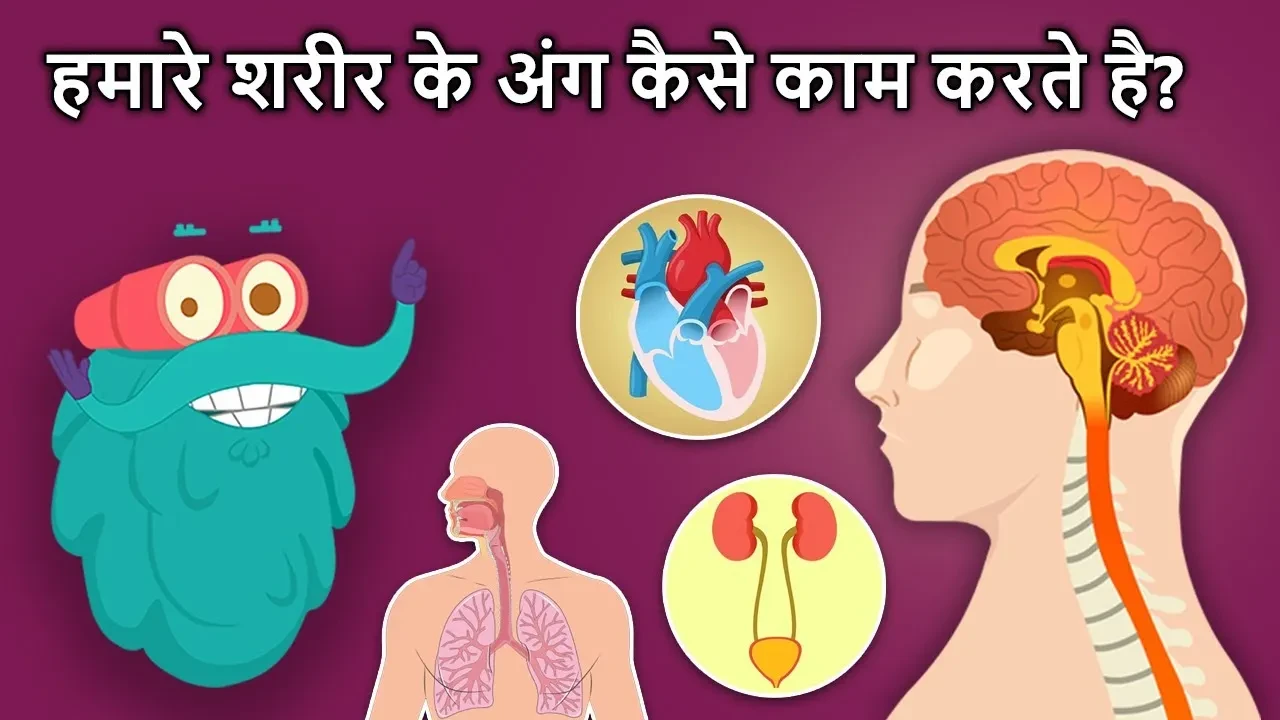
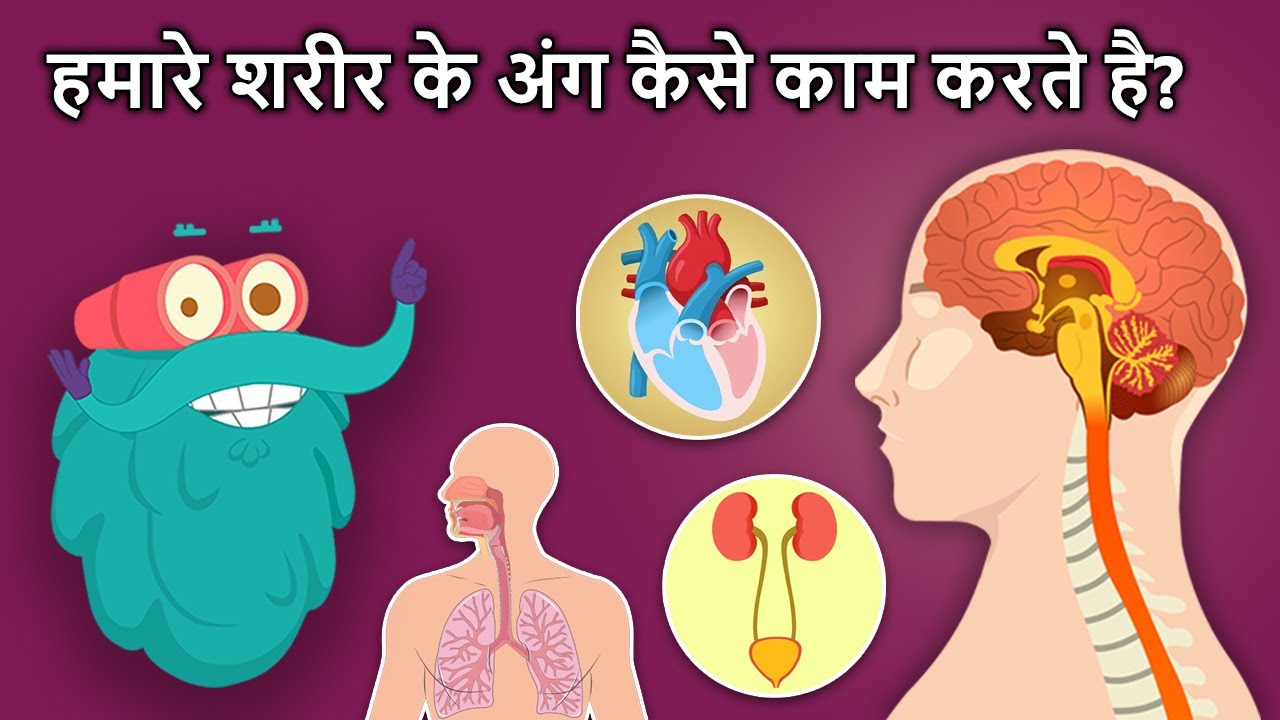
What makes your heart beat even when you’re not paying attention? Breathing happens on its own - how does that work? Think of the body as a complex system built with precise functions. Each piece plays its role, yet none need direction. Parts connect through silent signals, syncing actions without effort. Life continues smoothly because everything moves in step.
What happens inside when we move, breathe, think? This piece looks at key body parts - how they function, what role each plays. One without the other creates imbalance. Each section does its job while connecting to the rest. Picture it like tides pulling together, yet acting alone. Their combined effort keeps us going. Without attention, small failures grow. Notice them early, things stay steady.
The Brain As The Body's Main Hub
A single organ runs everything inside you. From this quiet core come your memories, feelings, choices, yet also how you move. Messages travel out along threadlike paths, instructing limbs, organs, muscles without pause. Each decision begins here before it becomes motion.
Imagine this: touching a hot surface makes your hand jerk back fast - your brain handles that call. Even during sleep, it never takes a break, always running things behind the scenes.
The Heart – How It Moves Blood
Inside your chest lives a strong muscle working nonstop. About every second, it squeezes once - sometimes faster - to push life-giving fluid through miles of vessels. This rhythm delivers fresh oxygen to every corner of you, quietly keeping things alive. Each pulse matters, even when you’re still.
Waste leaves the body because blood takes it away after delivering what cells need. Survival is impossible when the heart stops working.
The Lungs – How Breathing Works
Breathing happens through the lungs. As air moves in, oxygen slips into them, then travels to blood vessels nearby. Out goes waste gas when you let breath out - carbon dioxide escapes that way. Air flow works like this each time.
Breathing feeds into respiration, a key job where cells turn oxygen into power. Oxygen moves through breath, fueling what cells need deep inside. Cells grab that air supply, making energy happen every moment. Power comes from this quiet exchange, hidden but essential. Every inhale backs a chain reaction alive in each tiny part.
The Stomach Helps With Digestion
Inside your body, the stomach plays a role in digestion. Breaking things down happens here thanks to strong juices made of acid and special proteins. Once that job finishes, what remains travels onward. The next stop is the intestines, where useful parts pass through walls into blood. From there, the rest continues further along.
Your system pulls fuel and essential elements straight from the food you consume.
The Muscles and Bones Enable Motion and Structure
Joints hold bones together while muscles stretch across them. From time to time, a muscle tugs when it tightens, shifting the bone it's linked to. Movement happens because of this push and release cycle. Without that tension, limbs would stay still. The frame stays firm even during motion thanks to this setup.
Joints link with muscles to form how the body moves.
The Skin As A Barrier
Wrapped around everything, the skin counts as your body's biggest part. Guarding against bugs plus dangerous stuff, it stands between you and harm. Temperature stays steady because of its work behind the scenes. Sensations like pressure, warmth, or icy chill reach you through this outer layer.
Conclusion
Imagine how smoothly things go when every piece does its job. One part thinks, another beats nonstop, air gets swapped out, food breaks down - movement ties it all together somehow. Nothing rushes ahead without the others tagging along. Each chunk matters just like the next, even if they do wildly different jobs.
Your body runs on clever systems that quietly do their jobs. What if each part had a story to tell - wouldn’t it amaze you? Most people overlook what happens beneath the surface. Yet tiny actions add up to keep everything going. Imagine breathing, moving, thinking - all without needing to think at all. That kind of quiet effort deserves attention. Machines need oil and repairs, but your body heals itself. It adapts, responds, fights back when needed. Knowing even a little changes how you treat it. Surprise - it already does so much just by being alive.
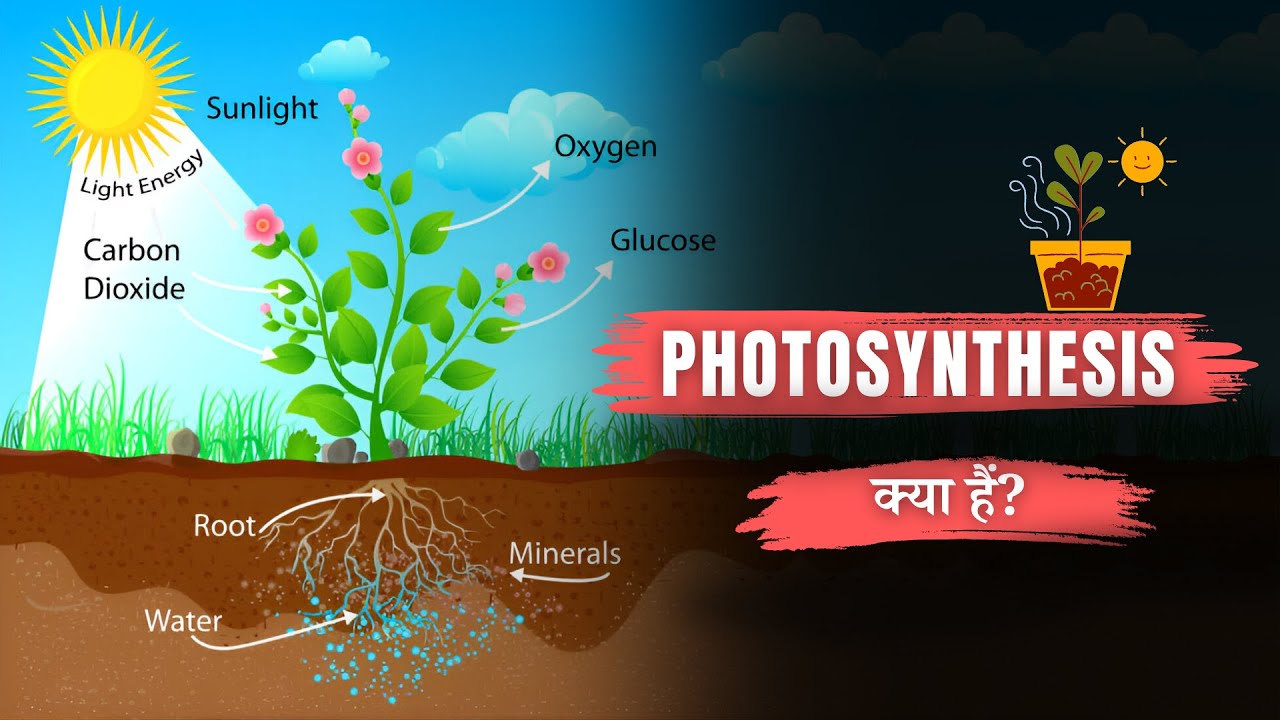
Plants craft their meals without chasing prey. Sunlight fuels what creatures must find on four legs. Not needing pots or pans, green life builds power from light alone. What looks like magic has a name - photosynthesis wakes each leaf at dawn.
Sunlight turns into food inside green plants. That basic shift keeps nearly every living thing going. Picture a world without grass, trees, or oxygen - then you see its true role. This quiet daily act shapes entire ecosystems in ways few notice.
What Is Photosynthesis?
Under bright light, green plants mix carbon dioxide with water to build their meals. Because of sunlight, they create glucose - this sweet energy store - and push oxygen out into the atmosphere.
Plants grab sunlight. That light becomes fuel inside them. This process? It's called photosynthesis.
The basic equation of photosynthesis is:
Plants use sunlight to turn carbon dioxide and water into glucose and oxygen
Inside plant leaves, most of this happens. Leaves handle the bulk of what goes on here.
Photosynthesis Locations in Plants?
Inside plant cells, photosynthesis takes place within unique compartments named chloroplasts. The green color comes from a substance in those parts - chlorophyll.
Plants look green because of chlorophyll soaking up sunlight. From there, light energy gets stored, fueling the process that makes plant food happen.
Photosynthesis supports plant growth and produces oxygen?
Photosynthesis is vital for several reasons:
1. Produces Oxygen
Floating into the air from green leaves, oxygen makes it possible for people, dogs, birds - just about every living creature - to pull breath into their lungs.
2. Provides Food
Fresh leaves feed insects; those bugs become meals for birds. Roots store energy - mice dig for them when snow covers the ground.
3. Maintains Balance of Gases
Plants pull carbon dioxide from air, turning it into food while releasing oxygen back. This quiet process keeps Earth’s skies in rhythm, one breath at a time.
Sunlight Shapes Life
Light powers how plants make their own meals. When there is no sunshine, they stop making food. That explains why green things lean in the direction of windows. Inside homes, they still ask for daylight just like outside.
Conclusion
Plants make their own food while giving off oxygen, thanks to photosynthesis. This quiet miracle feeds most living things, sitting right at the start of what we eat and helping keep air levels steady.
When sunlight catches a green leaf, think again - inside, it's busy fueling nearly every living thing around us.
Ever thought about what your body contains? How do small life pieces team up so you stay breathing? Inside science there's a part that shows us - cell biology. It explains the details without making it too heavy.
Life's secrets start small - tiny units called cells hold clues to how bodies work. Through their research, experts uncover growth patterns, daily operations, inside a person or plant. What lies behind the term cell biology? It matters because health, healing, survival link directly to these microscopic building blocks.
Cell Biology Explained Simply?
Life's smallest building blocks are studied by cell biology. Organisms like people or even small germs consist of these units. A single cell does what it must so life continues. These pieces form everything alive, nothing more, nothing less.
Life’s tiny units stack up - cells make tissues, those link into organs, everything together shapes living things.
Cell biology focuses on understanding:
Cell structure
Cell function
Cell growth and division
Communication between cells
How cells respond to their environment
Types of Cells
Cells come in two primary forms
1. Prokaryotic Cells
Out there among tiny life forms, some cells skip having a nucleus entirely. Take bacteria - these creatures build their bodies using that same basic cell type.
2. Eukaryotic Cells
Inside these cells sits a clear nucleus along with tiny working parts known as organelles. Found in plants, humans, and animals alike are eukaryotic cells.
Deep within eukaryotic cells, the nucleus handles genetic material while mitochondria supply energy. Ribosomes take part too, building proteins where needed. Each structure does its own job without overlap.
Cell Biology Matters Because Cells Are Life's Building Blocks?
Inside every living thing, tiny parts called cells hold secrets doctors need. When researchers peek into cell behavior, clues about sickness start to show. Cancer, germs, problems passed through families - these often begin at the cellular level. Watching cells closely helps explain why bodies go wrong.
Fresh clues come from watching how cells split during Mitosis. Since mistakes in splitting might cause severe illnesses, understanding it gives physicians better ways to respond.
Beyond medicine, insights into cells aid vaccine creation. Crop yields rise when biological details guide farming shifts. Biotech moves forward because cellular functions reveal new paths.
Cell biology shapes daily life
Beneath the surface of everyday life, tiny cells quietly do their job. As growth happens or injuries mend, these small units stay active without pause. While a cold runs its course, much of the recovery unfolds unseen through their efforts.
Peering into tiny worlds, today’s labs rely on high-powered lenses alongside cutting-edge tools to watch how cells move and react. Equipment that once seemed like science fiction now sits quietly on benches, helping scientists catch details invisible decades ago.
Conclusion
A single cell holds answers to how living things grow. Yet inside that tiny space, clues emerge about why bodies stay well - or break down. Scientists watch these units work, then piece together what happens when something shifts. Life's basics hide in plain sight, right under microscopes.
The moment you pause to consider your physical form, picture countless microscopic units teaming up without missing a beat. Life becomes clearer when we see how these pieces operate behind the scenes.
Starts with sunlight warming the ground. Grass grows using that light, becoming food for deer. Moving along, lions hunt those deer to survive. Each step passes energy forward. Life links together like beads on a string. One part leans on the next. Nothing stands alone out there.
From tiny bugs to big animals, each relies on fuel to keep going. What one creature consumes shows how beings link through nature’s flow.
Food Chains Explained?
A single path traces who eats whom, moving life fuel along. Starting points tie back to light above, most times solar.
Fueled by light, plants cook up their meals using photosynthesis. Some creatures snack on these plants, while others hunt those plant-eaters instead. Energy moves like this, one step after another.
A single line through nature shows how power moves from one eater to the next.
Main Parts of a Food Chain
A single plant begins things when sunlight feeds its growth. Following that, a rabbit eats the leaves to stay alive. Afterward, a fox hunts the rabbit for energy
1. Producers
Green plants create food from sunlight, forming the start of every meal line. From them, everything else follows.
Green stuff grows. Plants reach up. Algae spread in water.
2. Consumers
Hungry creatures must find meals instead of growing them. These living things rely on green life - or even one another - for survival.
Rabbits nibble on leaves, just like deer do when they graze through fields.
Frogs and foxes survive by feeding on animals that graze. These hunters come after the grazers in the food chain.
A top-level eater might snack on another hunter - like a lion finishing off a smaller cat, an eagle diving after a fox. Predators sometimes become meals too.
3. Decomposers
Fungi and bacteria take apart lifeless plants and creatures. Because of them, useful stuff goes back into the ground - plants pick it up later.
Simple Food Chain Example
A single instance might look like this
Sun Feeds Grass Which Feeds Rabbits That Feed Foxes
Fueled by light, life moves. Energy arrives each morning without asking.
Grass makes food using sunlight.
Rabbit eats grass.
Fox eats rabbit.
Each step transfers energy to the next organism.
Understanding How Living Things Connect Through Eating?
Most creatures eat more than a single thing. When different chains overlap, they build something tangled - a web of who eats whom. This mesh reveals how animals link through meals across nature.
Why the food chain matters?
When predators vanish, things start to tilt. Balance slips because something always fills the gap left behind. Too many herbivores appear, munching more than before. Nature stumbles when one link breaks unexpectedly. Everything connects, even if it seems far apart.
Pulling apart the food chain shows life's hidden links. What happens to one creature can ripple through others. Nature holds together in ways not obvious at first glance. Losing part of this system risks more than it seems. Every piece fits somehow, even when we do not notice.
Conclusion
Starting with sunlight, life gets its push forward. Plants catch it, making fuel out of thin air. Animals eat those plants, taking in stored power. When creatures die, tiny helpers break them down. Nothing goes to waste - everything passes on. Each part fits into the next, like links without ends.
When those squirrels dart across the lawn or hawks circle above, life plays out one move at a time. Notice how sparrows peck near cats lounging nearby - balance hides in plain sight. Each creature, big or small, follows steps shaped by hunger and survival. Even quiet moments outside hold motion beneath the surface. What looks like calm often pulses with unseen roles being lived.
Imagine green life swaying beside quiet creatures, flowing streams cutting through earthy ground - microscopic beings tucked unseen among them. That balance? It happens because of ecosystems. Think of one as a network: organisms tied to rocks, rain, roots, air - not just existing but shaping each other's survival.
Everywhere you look - forests, oceans, deserts, tiny ponds - life forms clusters. What makes these groups stick together matters more than most think.
What Is an Ecosystem?
Living things - like plants, animals, and tiny life forms - link up with nature's elements: air flows, water moves, soil holds, sunlight shines. These pieces fit together, shaping how creatures survive where they are. Each part depends on another, forming one connected web of existence.
One part works alongside another. Together they form the core pieces
Plants, animals, fungi, or bacteria - these are alive, shaping life around them. A tree grows where soil microbes work. Birds nest while insects crawl below. Life connects through unseen threads, each part reacting differently. Fungi break down what was once whole. Bacteria thrive where others cannot survive.
Sunlight, water, air - these shape life even though they’re not alive. Minerals join them, quiet but essential players. Not breathing, not growing, yet everything depends on their presence. They form the backdrop, unseen forces setting limits everywhere.
Balance holds everything in place. When a single piece shifts, ripples move through the whole system.
Types of Ecosystems
There are many different types of ecosystems across the planet:
1. Forest Ecosystem
Fur-covered creatures hop through leafy shadows where wings hum above tangled roots. Life thrives when branches sway, linking beetles to owls in quiet balance.
2. Desert Ecosystem
Little rain falls in deserts. Despite this, life persists - creatures and greenery endure scorching, parched stretches through unique adjustments.
3. Aquatic Ecosystem
Out by the shorelines sit vast stretches of water, like seas and flowing streams along with still pools tucked between land. Wherever there’s a steady body of liquid, life finds its way - scales glinting below surface ripples, green threads drifting through currents, reefs built slowly over ages, plus countless tiny beings doing their part beneath.
4. Grassland Ecosystem
Besides hosting grazers, grasslands feed hunters too, holding the circle steady. Nature keeps step where both eaters of plants and eaters of meat find their place.
Energy Movement Through Living Systems
From the Sun flows most of the energy found in any living system. Capturing light, plants make their own nourishment by photosynthesis. Feeding on greenery, creatures pass that power along when others hunt them down.
This sets up a sequence where one creature eats another
From sunlight, plants create what they need to live. These living things are called producers because they generate their own nourishment instead of consuming others.
Consumers – Animals that eat plants or other animals.
Fungi, along with bacteria, tear apart what's left of dead plants and animals. These tiny recyclers turn old remains into fresh food for the soil. Life keeps moving because they clean up after everything else dies.
Fueled by movement, life stays in balance here. The system runs without hiccups because of it.
Why Ecosystems Matter
Fresh air comes from nature, also pure drinking water along with what we eat plus raw materials people use every day. Climate stays steady because of these systems while elements get reused and different kinds of life thrive together.
Bent by pollution, forests thinning, weather shifting - nature's rhythm stumbles. Life holds on only when habitats stay intact.
Conclusion
A single leaf falling can ripple through countless lives below it. Whether it's soil, wind, or a burrowing creature, nothing stands alone.
Life thrives in patterns we often overlook. Seeing how pieces fit changes what we value. Care for the living world grows when connections become clear. Tomorrow's balance depends on choices made today.
Everywhere you look, there’s energy at work. Powering homes happens because of it, while cars run on its strength instead. City lights shine bright thanks to this force, just like how our bodies stay active through its presence. Movement stops when it goes missing, growth halts too, everything shuts down without it around. Still, a lot of folks remain unclear about the true nature behind energy itself.
Work happens because of energy, simply put. A vehicle moves along a street thanks to it, just like the pulse in your body relies on it too. Into this force we now look, its role shaping everything around us quietly. What drives motion, what powers life itself - this invisible presence stands behind each moment.
What Is Energy?
Motion, transformation, work - these happen because of energy. Shifting between types, it shows up everywhere in distinct shapes.
For example:
Food gives your body fuel, which turns into motion through digestion. Though it seems quiet inside, processes shift constantly behind the scenes. Movement begins long before muscles act, deep within cellular activity. What powers a step forward lives first as stored potential in what you consume.
Flicking the switch sends power through the bulb, transforming it into visible glow. Suddenly, wires give way to brightness filling the room. Power flows, then - light appears where there was none. Electricity moves in, illumination steps out. A current runs its course, ending as soft radiance overhead.
Fresh warmth arrives each time sunlight touches our planet. Bright rays spread across the land while daylight fills the sky.
What happens to energy? It never appears out of nowhere, nor vanishes into nothing. Instead, it shifts shape entirely. Scientists call this shift the law of conservation of energy.
Different Forms of Energy
Light shows up in waves. Meanwhile heat moves through space as invisible energy. Electricity flows along wires when devices turn on. Motion happens whenever things shift position. Sound travels through air in rhythmic pulses. Radiation spreads out from certain materials naturally
1. Kinetic Energy
Something moves, it carries energy. Take a car rolling down the road - energy lives there too. Water sliding over rocks holds that same push. Even a kid sprinting across the yard is full of it.
2. Potential Energy
Energy can be saved for later. A rubber band pulled tight holds it, just like water waiting behind a dam.
3. Thermal Energy
Faster particle motion creates what we call thermal energy. This kind of energy shows up when tiny parts inside matter start zipping around. Movement at a small scale leads directly to warmth you can feel.
4. Electrical Energy
Fueled by this kind of power, your devices come alive - think fridges humming, phones charging, gears turning without pause. Lights flicker on, screens glow, tools respond the instant you need them.
5. Solar Energy
Fueled by daylight, solar panels transform light into power we can actually use. Earth gets its main energy supply from the sun.
Renewable and Non Renewable Energy
Fuel options split mainly into two kinds
Sunlight, wind, or water - these fuels refill themselves naturally, never running out. Nature keeps giving them back, again and again.
Buried deep beneath Earth’s surface, fossil fuels power much of today’s world. These materials - coal, crude oil, trapped gas - take millions of years to form. Once used up, they do not come back on any human timescale.
Facing rising worries about nature, nations now move closer to green power - so emissions drop while Earth stays safer.
Energy matters because everything runs on it
From streetlights to surgeries, energy keeps things moving. Power flows where it matters most - factories hum, buses roll, classrooms stay lit. Because progress needs more than ideas, it needs juice. Without steady supply, growth stalls before it starts.
Life stops without power. Simple tasks fail when there is no fuel. Movement needs force. Doing anything takes energy. Without it, nothing runs.
Conclusion
Something you cannot see keeps everything moving. Whether it comes from a meal or flows through wires at night, power runs through daily existence. Life depends on it just as growth does.
What if knowing how energy works changed how you see everyday life? With shifts happening fast across the globe, getting clear on power sources matters now like never before.
Look closely at everyday things, yet what you spot might shock. A lens can show secret shapes where nothing seemed before. Small creatures move in silence, invisible without help. Hidden patterns appear once light bends just right. What feels plain holds wonders only scale can expose. Life thrives unseen, tucked in corners too fine to grasp. Ordinary stuff shifts when viewed beyond human reach.
Hidden wonders appear when we look close. Life forms too small to see reveal their shapes under magnification. Objects around us carry tiny details unnoticed by bare eyes. Because of microscopes, what seems ordinary transforms into something rich with structure. Beauty exists where we least expect it. Complexity unfolds in drops of water, grains of sand, even dust floating in air. Surprises wait inside cells, fibers, and crystals. Each glimpse beneath the surface tells a quiet story. Some truths need more than vision - they need tools. Seeing deeper changes how we understand everything nearby.
1. Bacteria Small Life Forms
Hidden to the naked eye, bacteria live nearly everywhere imaginable. These tiny life forms thrive on countertops, within lakes, beneath feet, also deep in earth. A lens is needed before they come into view. Inside humans too, they quietly exist without detection.
Bacteria can be troublemakers, yet some keep our guts running smooth plus clean up nature's messes. Under a microscope, they reveal their shapes, helping researchers craft treatments when germs go rogue.
2. Human Cells Are the Basic Units of Life
Inside us, life builds from countless miniature units called cells. Though invisible to the naked eye, they reveal themselves when viewed closely. Seen through a lens, each one looks unique - shaped differently, filled with pieces that fit together.
A shape difference stands out when comparing red blood cells to nerve ones - flat circles versus stretched arms reaching outward. Scientists began seeing growth, repair, and daily operation differently once cell details came into view.
3. Pollen Grains – Small Natural Patterns
Pollen seems like ordinary yellow powder at first glance, yet up close, it reveals surprising complexity and beauty. When viewed through a lens, its structure turns intricate, almost crafted. Every type of plant produces grains with a distinct form - one might be covered in spikes, another perfectly round, while some could pass for miniature works of art.
Pollen viewed under a microscope gives clues about how plants reproduce, also offering hints on past weather patterns. Tiny grains hold secrets to life cycles while doubling as time capsules for Earth's earlier environments.
4. Dust Mites Living Unseen in Homes
Imagine little bugs hiding where we sleep. You need a magnifying tool to spot them at all. Found in sheets, rugs, or couches - these unseen guests munch on flakes of old skin.
Not dangerous for many, yet these may spark allergic reactions in certain folks.
5. Hidden Geometry in Crystals
Up close, something like table salt reveals sharp shapes. Magnifying it shows how each piece fits into neat, repeating designs.
From tiny patterns inside stones, researchers learn how stuff is built at a molecular level - this knowledge shapes better drugs, also tools we use every day. A single crystal can reveal secrets behind modern science’s biggest advances.
6. Water Droplets As Small Living Worlds
Floating inside one tiny bit of still water lives a crowd of unseen creatures. These small beings, such as green floaters or squirming hunters, glide and twist when watched closely.
From tiny lenses came a new view of life unseen by eyes alone. Scientists could now step into worlds too small to imagine before.
Microscopes Reveal What Eyes Cannot See
Today science looks completely different because of one tool - the microscope. Doctors spot illnesses early, thanks to its sharp vision. Researchers craft cures by peering into tiny worlds. Students grasp life’s hidden details through classroom lenses. Imagine hospitals without them: diagnosis would stumble in the dark.
Conclusion
Hidden worlds teem just beyond what we can see. Peek through a lens, suddenly bacteria appear - alongside delicate pollen shapes. A whole unseen realm surrounds everyone, quietly waiting.
Sometimes when you glance at a plain object, wonder slips in. Hidden underneath could be a universe far stranger than expected.
Staring into the dark above might make you ask - just how vast is everything? Stars appear endless, yet they’re just a sliver of the full picture. What lies beyond stretches further than eyes can grasp. Scientists still chase answers about its scale. This mystery shapes much of what we explore.
Imagine walking through a quiet field under a wide sky, where each step reveals more space than we ever thought possible. A single star appears, then another, until the dark fills with light. One by one, galaxies form patterns no map can hold. Distance stretches beyond counting, yet still it grows. Size slips past numbers into something felt, not seen. Quiet moments make the biggest truths clear.
The Observable Universe
Far beyond what meets the eye lies something called the observable universe - this is exactly what researchers mean when measuring cosmic scale. From our vantage point on Earth, only a limited portion reveals itself through light and signals received over time.
Not long ago, space started expanding - light hasn’t reached us from everything yet. That delay means our view has limits. Right now, astronomers measure that visible part at roughly ninety-three billion light-years across.
A single beam of light races nearly ten million million kilometers in a year. Picture that stretch multiplied by ninety three billion. Hard to hold in your mind, really. Ends with silence.
Is That All of Everything?
Now comes the twist. What we spot isn’t close to everything out there. Past the edge of sight, vast stretches might roll on - maybe without end at all.
Not long after the beginning - what some call the Big Bang - everything started stretching out. From that point on, space itself began to grow bigger. Galaxies far off are now drifting apart, carried by this swelling of emptiness between them. That starting moment lies roughly 13.8 billion years behind us, give or take. Distance grows without force, simply because the stage keeps inflating beneath their feet.
Now picture space stretching nonstop. Some spots drift so distant, their glow won’t ever touch our eyes. So the full cosmos might stretch way beyond what we see. What we spot now? Just a slice.
How Many Galaxies Exist?
Hundreds of billions of galaxies fill the observable universe, say researchers. One single example sits right here - the Milky Way - home to countless stars. This galaxy happens to host our solar system. It stands as merely a speck within a much vaster structure. Countless others stretch beyond what telescopes can capture. Each distant cluster exists far out on cosmic edges.
A single galaxy might hold worlds, suns, orbits - maybe beings too. What lies out there stretches beyond easy thought.
Is the Universe Endless?
Out there, a few ideas claim space goes on forever - no border, just endless stretch. Should that hold up, measuring it becomes impossible by nature.
Yet space researchers keep examining leftover light from the early cosmos, along with fresh measurements, trying to map how big it really is and what form it might take.
Conclusion
Picture this - measuring the cosmos isn’t simple. That slice we can see spans roughly 93 billion light-years wide, yet what lies beyond might dwarf it completely, possibly never ending at all.
One thing is clear: finding answers takes time. With better tools and deeper journeys into space, understanding might grow. For now, the universe’s scale stays a puzzle scientists can’t solve. It shows our place - tiny, but meaningful - in everything that exists.
What makes a fan turn, a blender crush ice, or a vehicle roll forward? Inside each hides something strong - the electric motor. Simple on the surface, yes, yet it runs much of what we do every day. Not loud, never showing off, still it drives everything from kitchen gadgets to big factory gear.
This time, we take a look at electric motors - what they are, their way of working, importance included. A different angle shows up when thinking about movement made by electricity. Inside these machines, invisible pushes and pulls create spinning motion. That spin runs everything from fans to cars. Without them, modern life slows down sharply. Their role hides in plain sight, everywhere yet unnoticed.
Electric Motors Explained?
Electricity moves through a machine, turning power into motion. This gadget takes energy from wires, making parts spin or slide. It runs on current, producing action you can see. Using electrons, it brings still things to life with rotation or push.
A spinning motion begins inside an electric motor because of invisible pushes from magnetism. As electricity moves along a wire within this pushy space, a shove acts on the wire. Rotation happens when that shove bends into turning movement.
Main Components of an Electric Motor
An electric motor has a few important parts:
A ring sits fixed on the outside, creating invisible push forces. This still piece builds energy flow without moving at all.
Spinning happens here once power arrives. This moving section turns energy into motion. Electricity kicks it into action, making rotation begin.
Flipping the flow inside DC motors? That’s where commutators step in. Sliding contacts take over, guiding electricity just right. Rotation stays steady because timing shifts at the perfect moment. Without these parts, spin stops dead. Direction switches happen quietly, behind the scenes. Movement continues - smooth, constant, unhurried.
Power Supply – Provides electrical energy.
Inside the motor, electric current flows through the coil, bringing forth a magnetic push. Spinning begins as that invisible shove tugs and shifts the rotor back and forth.
Electric Motor Types
Most often, people come across just two kinds - those powered by alternating current tend to run smoothly while direct current models deliver quick bursts of power
1. DC Motor
A power source with steady flow drives a DC motor. Often found spinning wheels in toy cars, powering drills, running on batteries instead of wall plugs.
2. AC Motor
When electricity flows back and forth, an AC motor spins into action. Found inside homes, it powers things such as fans, washing machines, while also keeping rooms cool through air conditioners.
Fueled by stored energy, EVs rely on smart motor tech to turn electricity into movement. Instead of engines, they tap high-efficiency systems that push power to wheels. Motion begins silently, driven by magnetic forces inside compact units. These motors respond fast, delivering smooth acceleration without gears. Power flows from batteries through controllers that manage speed and torque.
Electric motors in everyday machines?
Electric motors are everywhere around us:
Ceiling fans
Water pumps
Elevators
Electric cars
Industrial machines
Far from burning gas, most electric vehicles run on motors powered by electricity. Take Tesla, for example - its strong motors help cut waste while being kinder to nature.
Electric motors matter because they power many everyday machines quietly and efficiently?
From the moment they start, electric motors run cleaner than gas-powered ones. Because they have fewer moving parts, servicing them takes less time. Their role stands clear in efforts to build better energy systems. While exhaust fades into memory, noise slips away too.
Beyond cleaner power needs, electric motors now steer how machines move people and build things. Machines shift faster toward sockets instead of fuel tanks - change runs on spinning coils inside silent boxes.
Conclusion
Fueled by electricity, the motor turns power into movement quietly shaping daily life. Though basic in design, its role in modern society runs deep behind the scenes.
When that fan spins up, picture the quiet hum of a motor doing its job. Spot a car gliding past without noise? A hidden electric pulse drives it forward. Each motion, powered unseen.
A kid named Raul John Aju stands out simply because machines seem to listen when he speaks. While most children play games, he builds them - guided by curiosity rather than rules. His path began early, shaped more by trial than instruction. Now linked with breakthroughs in robots, he carries a reputation few expect at his age. Though quiet in person, his projects speak loudly. From small circuits to smart systems, each step unfolds without fanfare. What sets him apart isn’t fame - it’s persistence disguised as play. Growing up in India, he turned limits into starting points. Not every child touches AI before double digits; he did. Behind the labels like “whisperer” lies someone testing ideas late into nights.
A Passion That Began Young
Curiosity sparked Raul's path toward robotics. Toys and games filled other kids’ hands, yet he spent time writing code instead. Machines built by him moved step by step through trial and error. What started as wonder grew sharper - focused now on circuits, algorithms, learning models. That childhood interest? It settled deep, became something lasting.
Teenage Raul knew more about robots and artificial intelligence than most adults. What sets him apart isn’t only what he can build, yet how he sees problems others ignore. He doesn’t care if a machine wows anyone - what matters is whether it helps someone instead.
Innovation in Robotics and AI
What stands out about Raul is how he shapes smart robots meant to help people learn and tackle challenges. Because his aim runs deeper than showy tech, the tools he makes serve actual classroom needs. While many chase flashy demos, his creations step into roles where teaching gets a quiet boost. One thing becomes clear - usefulness guides his designs more than novelty ever does.
Out of nowhere, people across India started talking about him, mainly those deep into technology. Called a “robot whisperer,” it sticks because he just gets machines - shapes them, fixes them, makes them better, like breathing.
Inspiring The Next Generation
It’s clear why people notice Raul - he gives away what he knows without holding back. Speaking up at tech events wasn’t a one-time thing; it became part of how he shows up. Thousands of young learners have started digging into robots and artificial intelligence because they heard him speak. Simplicity carries strength in what he says: being young doesn’t mean you can’t create something new.
Curiosity matters more than facts, he says - kids should explore ideas that spark questions. What sticks isn’t repetition, but making things that matter, building solutions step by step. Machines change fast, yet thinking clearly stays useful, long after tests are done. Working with tech means knowing when to act, when to pause, what tools can do without losing sight of people.
A Future Worth Building
Beyond robot making, Raul dives into fair AI practices - how new tech ought to serve people instead of pushing them aside. What stands out is how he ties smart machines to better schools, linking progress with learning. Growing up fast? Maybe. But his mindset carries weight usually seen much later in life.
Conclusion
Out here, Raul John Aju shows what happens when skill meets persistence - walls just fall apart. He’s not even thirty, yet already called India’s youngest robot whisperer, quietly pointing toward tomorrow’s tech through steady work.
What drives him isn’t machinery, but a restless wonder that refuses to fade. Bravery shows up not in grand gestures, but quiet choices made over years. To imagine wildly - that stays possible, no matter how many birthdays pass. A life built on questions leads straight into the unknown.
 About Us
 Blog
Blog
 Insights & Awareness








 Ensure TV